
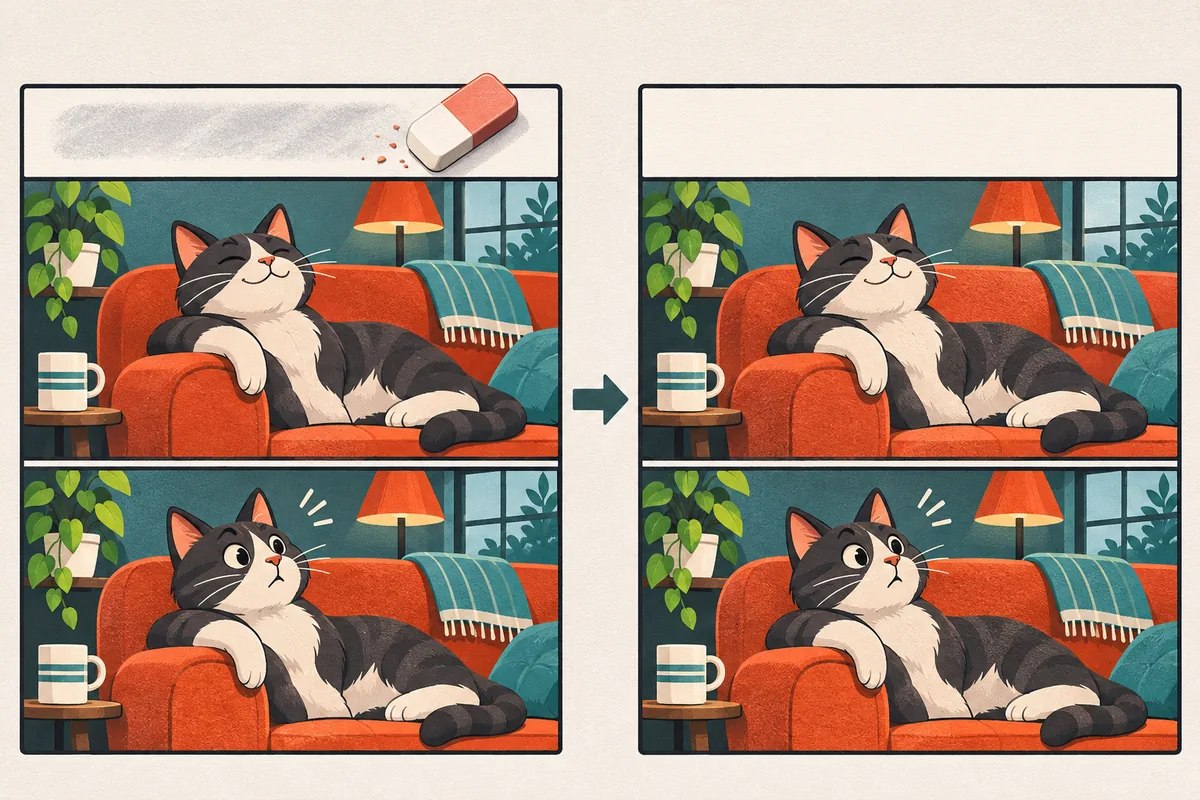
Check whether the caption is editable
Start with the file you have. A design project may keep the picture and caption on separate layers; edit its text layer, then adjust the wording, spacing, and position before exporting.
A downloaded JPG, PNG, or screenshot is usually flattened, so its caption is part of the pixels rather than selectable text. To edit meme text in that file, repair the area behind the words before adding a replacement, or rebuild from a clean source. If a screenshot includes social-post controls, crop to the artwork first. A higher-resolution original also gives you more detail to inspect around small letters and outlines.
- Original project: edit the text layer and export a copy.
- Flat image only: duplicate it and review removal, repair, and replacement separately.
- Low resolution: find a cleaner source first; compressed letters leave less detail to repair.
Choose how to edit meme text in this file
Choose based on whether you are preserving a design or adding a caption. A solid patch over a photo or texture can look more distracting than the old words. If the replacement changes the meaning or position of the joke, rebuilding the caption from a clean source may be easier to control than repairing the finished image.
| Method | Best for | Tradeoff to check |
|---|---|---|
| Edit the source layer | A project file with separate, editable caption text. | The matching font may not be installed, and the layout can shift when copy length changes. |
| Rebuild from a clean template | A familiar meme format when a legitimate clean source is available. | You may need to recreate crop, color, spacing, and attribution. |
| Replace text in a flattened image | A finished image where only the old caption remains available. | Background repair and style matching can vary, especially over faces or detailed textures. |
| Add a separate overlay | A new caption where the old words are absent or already removed. | This does not erase baked-in text and may look like a patch if layered over it. |
Edit a finished meme step by step
To edit meme text in a finished file without losing the source, keep a copy and change one thing at a time. This makes repair, wording, and placement problems easier to spot.
1. Save a working copy and inspect the crop
Duplicate the image, check for editable layers, and crop away controls that are not part of the meme. Note its dimensions so the export stays sharp. Zoom in on the caption edges and save a second working copy if the first file is your only source.
Check: The working copy shows the intended artwork; the original is untouched.
2. Write the exact replacement before touching the image
Write the final line first. Preserve the setup or punchline, remove unnecessary words, and check names and punctuation. Shorter copy is easier to fit. Read it beside the image, since a phrase that sounds clear alone may be ambiguous without the picture.
Check: The line reads clearly and suits its audience.
3. Remove only the old lettering
Edit the source layer when available. Otherwise select the old characters and their outline or shadow as tightly as possible, avoiding faces and nearby details. Keep the selection consistent with the letter edges; a loose region can blur or repeat nearby texture.
Check: The letters are gone and nearby image details remain intact.
4. Rebuild the caption with a similar visual rhythm
Match placement and visual weight first. Keep a similar line count, use an outline or caption band if needed, and leave margin around the text. Review any automated result. If the original uses all caps, a shadow, or a narrow typeface, treat each as a separate styling choice rather than copying effects that make the new words harder to read.
Check: The line fits and reads at phone size.
5. Compare, correct, and export a copy
Compare the edit at full size and at feed size. Check the repaired area, letter edges, spacing, and spelling; correct one visible defect, then export without overwriting the source.
Check: The file opens and the wording is accurate.
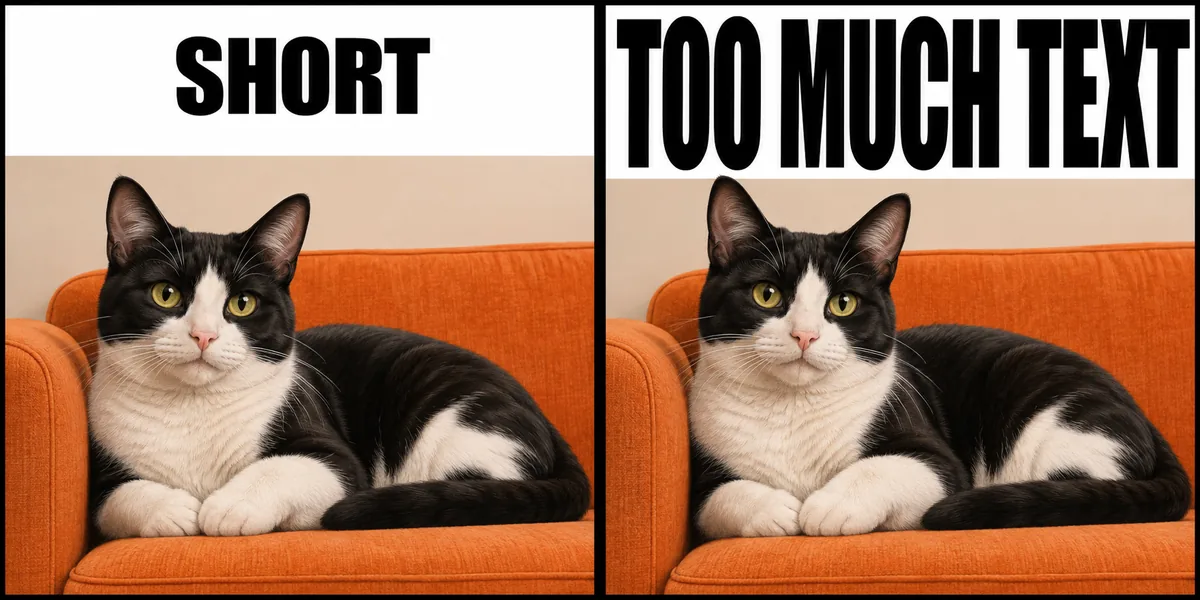
Make the replacement fit the meme
A correct replacement can still change the joke's timing if its line breaks feel cramped. Keep the caption easy to scan from setup to punchline.
- Match line shape first. Keep a similar line break instead of squeezing the caption into one long row. Place a natural pause between lines so the joke still reads in order.
- Keep safe margins. Leave room at the image edges to prevent cropping. Preview the likely social crop if the image will be shown inside a square or portrait card.
- Check contrast. An outline or caption band may help over a busy photo; inspect it at full and small sizes. Make sure the outline does not close counters in letters or merge adjacent words.
- Do not shrink long copy until it is hard to read. Tighten the wording or choose a roomier layout.
Fix common caption problems
After you edit meme text in a flattened image, check the repaired area separately from the replacement wording:
A patch remains behind the caption.
Tighten the selection and compare the texture with nearby pixels; use a clean source if the pattern is complex. Check the edge from a little distance as well as at high zoom.
The replacement looks pasted on.
Compare weight, baseline, spacing, outline, and alignment. Correct the largest mismatch first, then reassess the whole caption rather than the letters in isolation.
The words are crowded.
Shorten the line or rebalance its break; keep letters away from the crop edge.
Small text merges in a feed.
Preview at display size, then improve contrast or simplify the wording.
Review the meme before sharing
Readers often see a meme without context. If you edit meme text for a different audience, use this final review:
- Check spelling, punctuation, names, and the joke's meaning.
- Look for halos, repeated texture, smudges, or missing details.
- Preview at full size and phone size; check crop and margins.
- Use an image you can share responsibly and retain required context or credit.
Frequently asked questions
Can I edit meme text in a JPG or PNG if I do not have the original template?
Yes, but the caption is part of the pixels, not an editable layer. Work on a copy, repair only that area, add the new wording, and inspect for artifacts. A clean source may be easier when available.
How do I keep the original meme style?
Use the source project if available. Otherwise compare placement, line count, weight, outline, and margins. Exact font matching is not guaranteed; check a small preview too.
Should I use a meme generator or an image text editor?
Use a generator for a new meme on a supported template. Use an image text editor to change words in an existing image, or an overlay tool to add a caption where none exists.
Why does the replacement look different from the old caption?
A flattened image does not retain font settings, and line breaks or spacing may differ. Shorten the wording and adjust one style detail at a time.
What image format should I export?
Use the format required by the destination. Check the saved file because re-compression can soften small text, and keep an editable copy when possible.
Can an AI editor guarantee the same font or a perfect background repair?
No. Results vary with resolution, text size, outlines, faces, and background detail. Inspect the repair and retry or edit a source layer if needed.