
Change Text in Image Online
Upload a finished image, select the words you want to change, type the new wording, and let AI remove the old text, repair the background, and blend the replacement back into the picture.
Upload Your Image
Drag & drop or click to upload
Supports: JPG, PNG, JPEG, WebP (Max 20MB)
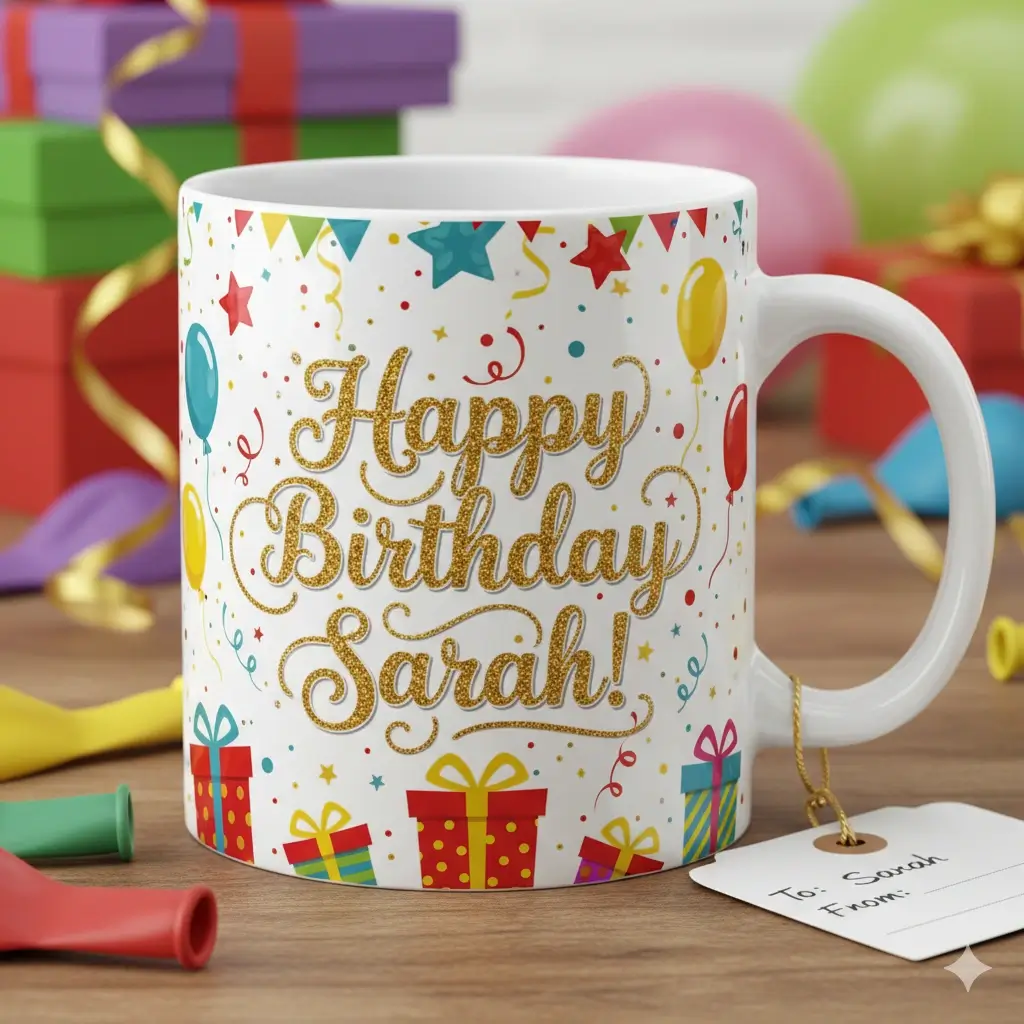
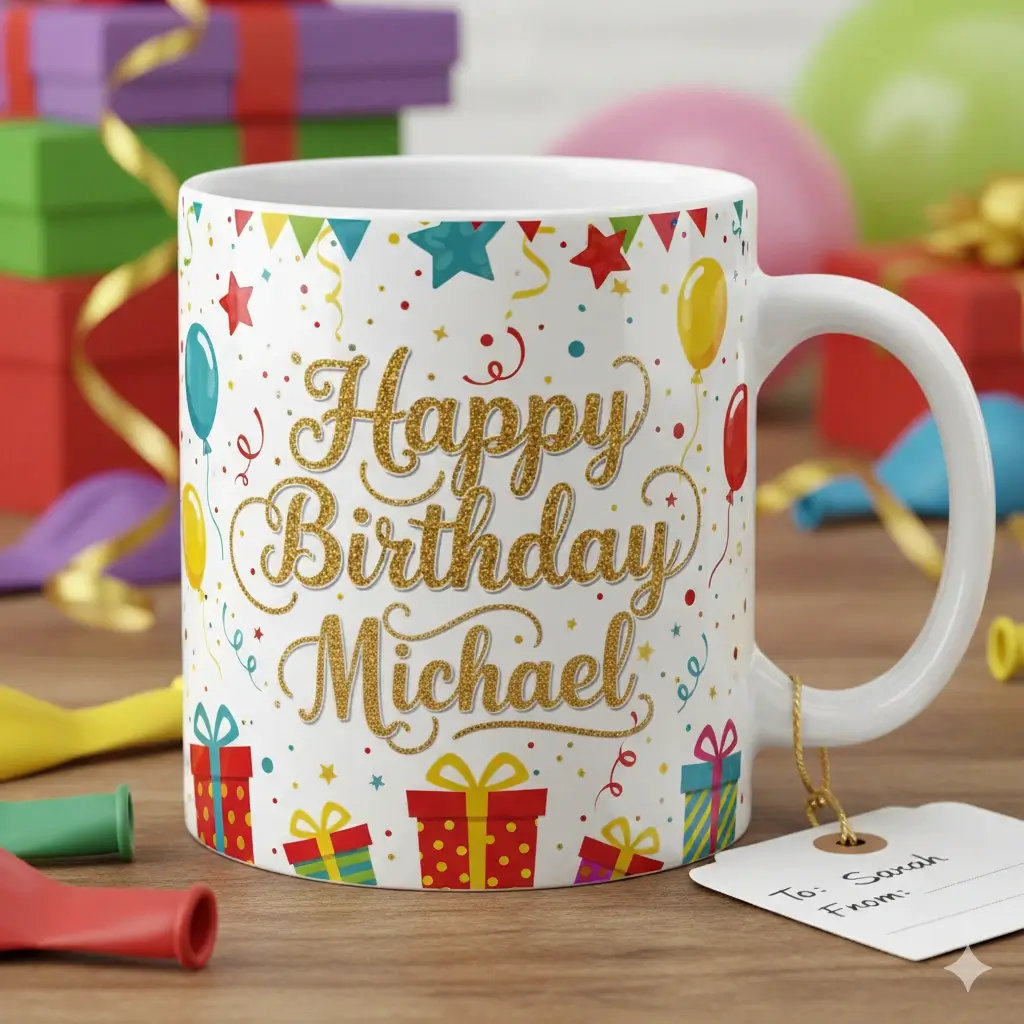
The selected text is changed while the surrounding layout stays intact.
Upload an image, mark the old words, and enter the replacement copy.
Drag to adjust the text selection area
New Text to Use
Your Image Preview
Upload an image to start editing
Processing Your Image...
This usually takes 30-60 seconds
How to Change Text in an Image
Upload the image with text to change
Choose a JPG, JPEG, PNG, WebP, or screenshot where the text is already part of the image. Clear, readable words and a simple background usually give the best result.
Mark the old text and enter the new text
Drag over the exact words, numbers, date, price, or label you want to change, then type the replacement copy in the text box.
Generate the changed image
The AI removes the selected text, fills the background behind it, and places the new wording back into the same area so you can download the edited image.
Change image text without rebuilding the whole design
This page is for quick wording changes inside finished images. It is not only an add-text overlay. The workflow focuses on clearing the old text first, rebuilding the pixels underneath, and then inserting replacement copy that fits the original layout.

Common Image Text Change Examples
Use the tool for quick text changes in final exported graphics where rebuilding the original design would take too long.
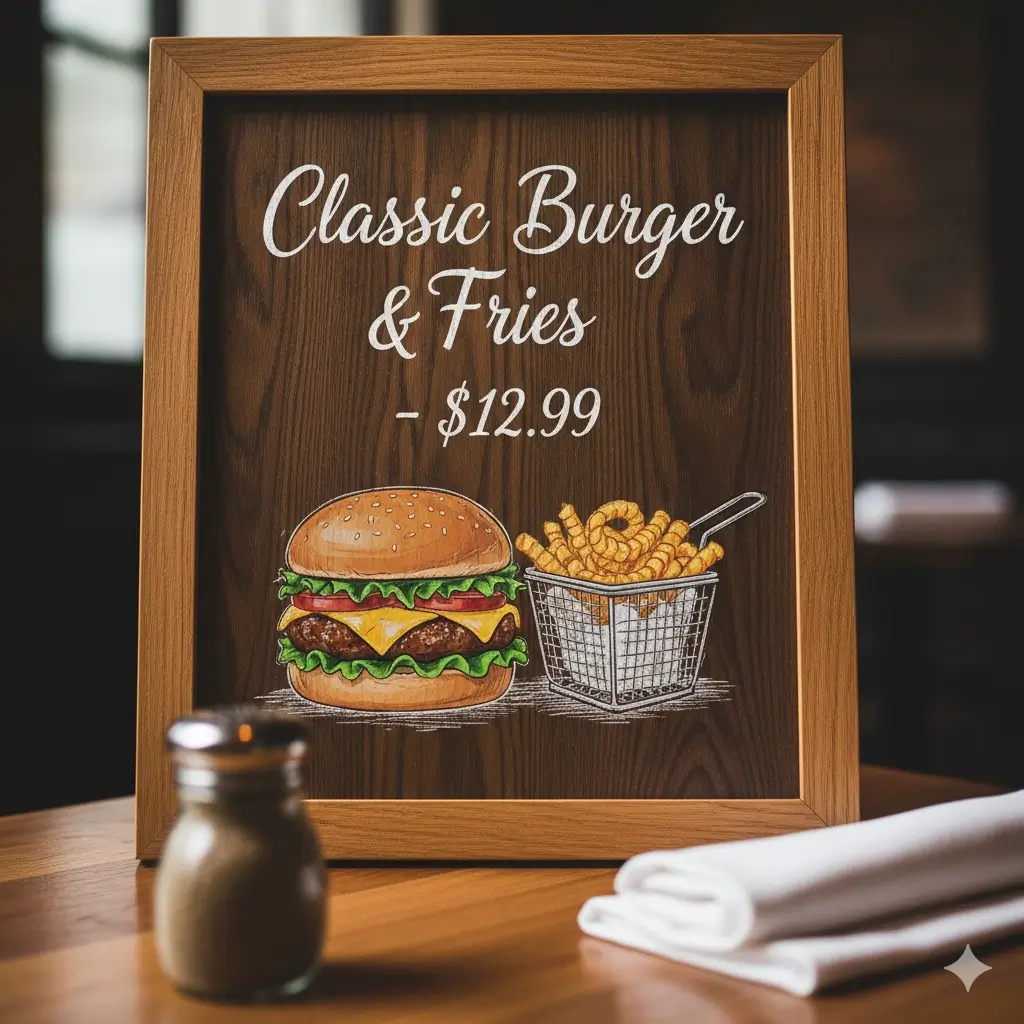
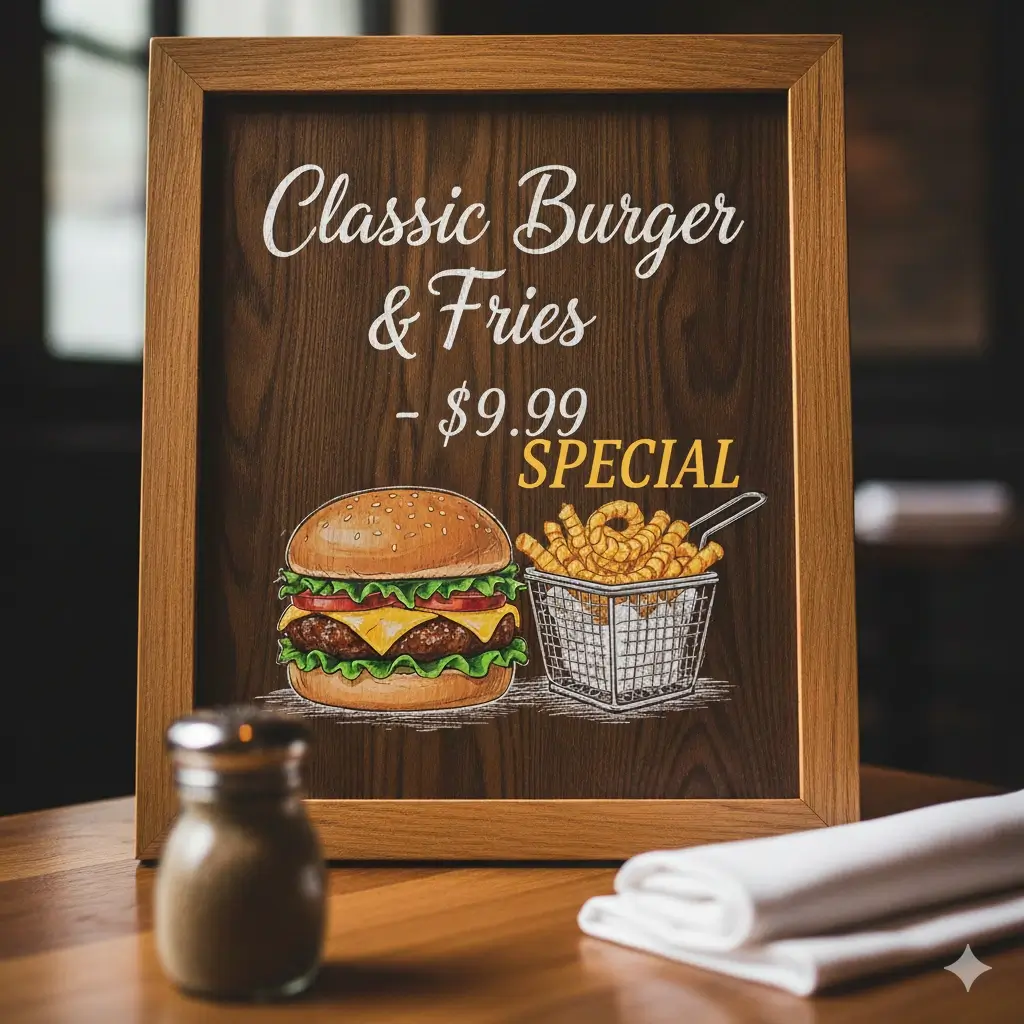
Menu Price Change
Change a price or item name in a finished restaurant menu image.

Sale Banner Update
Replace a discount, deadline, or short campaign message in a banner.
Product Label Change
Update a label, variant name, or short marketplace phrase in a product image.
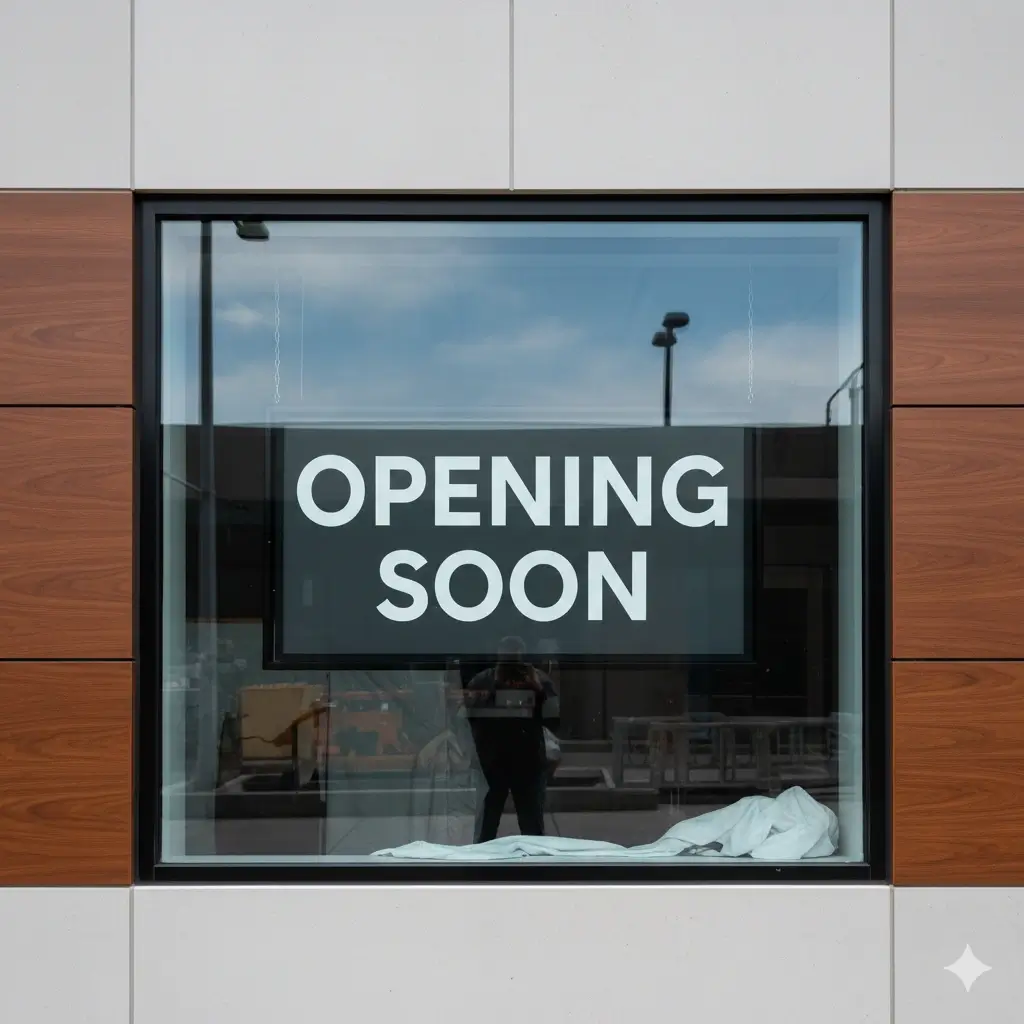
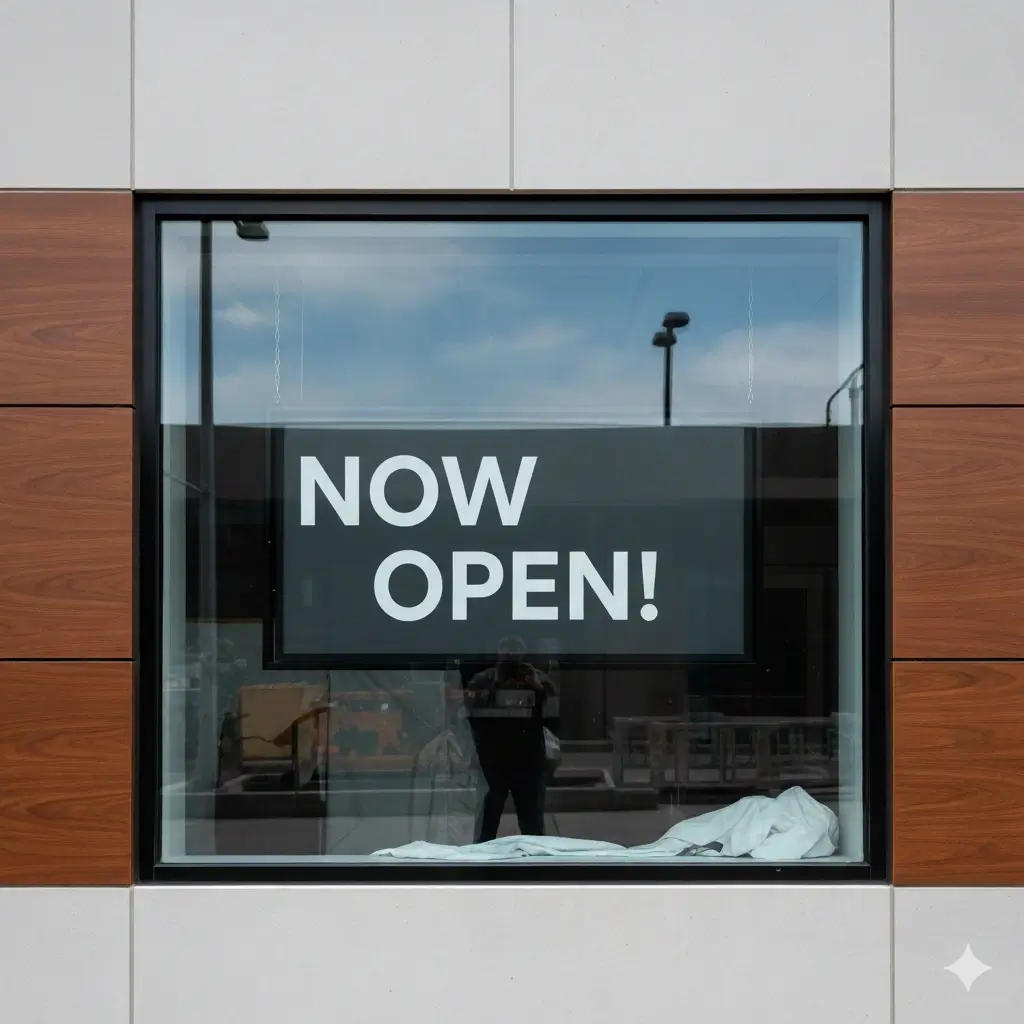
Sign or Notice Text
Change a store status, date, hour, or short notice while preserving the visual style.
What the AI Image Text Changer Helps With
Change Text in Image Online
Upload an image, select the old words, type the new copy, and generate an edited version directly in the browser.
Remove Old Text Before Replacing It
The workflow is designed to clear the selected text area before adding replacement wording, rather than simply placing a new layer on top.
Repair the Background Behind Words
AI attempts to rebuild simple colors, texture, gradients, and shadows behind the old text so the changed area looks less patched.
Match the Original Style More Closely
The tool tries to respect the nearby font feel, color, size, spacing, line height, and alignment when adding the replacement copy.
Works With Common Image Files
Use the same workflow for JPG, JPEG, PNG, WebP, and screenshot images when the text is already flattened into pixels.
Focused on Fast Business Edits
Change prices, dates, names, product labels, status words, and short promotional copy without waiting on a full design pass.
Best Inputs, Outputs, and Limits
Works best when
- The original text is readable and not extremely small
- The replacement text is similar in length to the old text
- The selected area includes all old letters plus a small margin
- The background behind the words is not too complex
- You need a final image output, not editable text layers
- You review the result before using it in public materials
Common text-change jobs
- Change prices, dates, names, labels, or status words
- Update campaign copy in social and ad images
- Fix a typo in a poster, sign, menu, or notice
- Change product label text in marketplace graphics
- Edit short screenshot text for demos or documentation
- Create quick variants when the original design file is missing
When to Use an Online Image Text Changer
Menus and Price Lists
Change a price, item name, store hour, or note in a final menu image without recreating the layout.
Product Labels and Photos
Update a product name, flavor, version, label, or short ecommerce phrase inside a finished image.
Ads and Social Graphics
Change short campaign text, sale copy, deadlines, or CTA wording while keeping the visual design familiar.
Screenshots and UI Captures
Edit a label, name, number, or date in a screenshot for support articles, demos, training, and slides.
Posters, Signs, and Notices
Fix event details, opening hours, status text, or short public notices in flattened poster images.
Personalized Variants
Create quick name, message, price, or label variants for mockups, gifts, invitations, and customer previews.
FAQ: Change Text in Image Online
Change Text in Your Image Now
Upload an image, mark the old words, enter the new copy, and generate a cleaner edited version online.
Why Use This Image Text Changer
Privacy-Conscious Editing
Use the browser workflow for practical text edits without turning the job into a manual design project.
Background-Aware Changes
The tool focuses on clearing old text, repairing the selected area, and blending the replacement back into the image.
Built for Finished Images
Change text in screenshots, menus, labels, signs, product photos, social graphics, and exported designs.
Runs in the Browser
Handle short image text changes without installing Photoshop, Canva, or another desktop editor.