
Edit Text in Image Online with AI
Upload a JPG, PNG, WebP, or screenshot, select the words to change, and let the AI replace image text while matching the surrounding font style, color, spacing, and background. No Photoshop or source file required.
Upload Your Image
Drag & drop or click to upload
Supports: JPG, PNG, JPEG, WebP (Max 20MB)
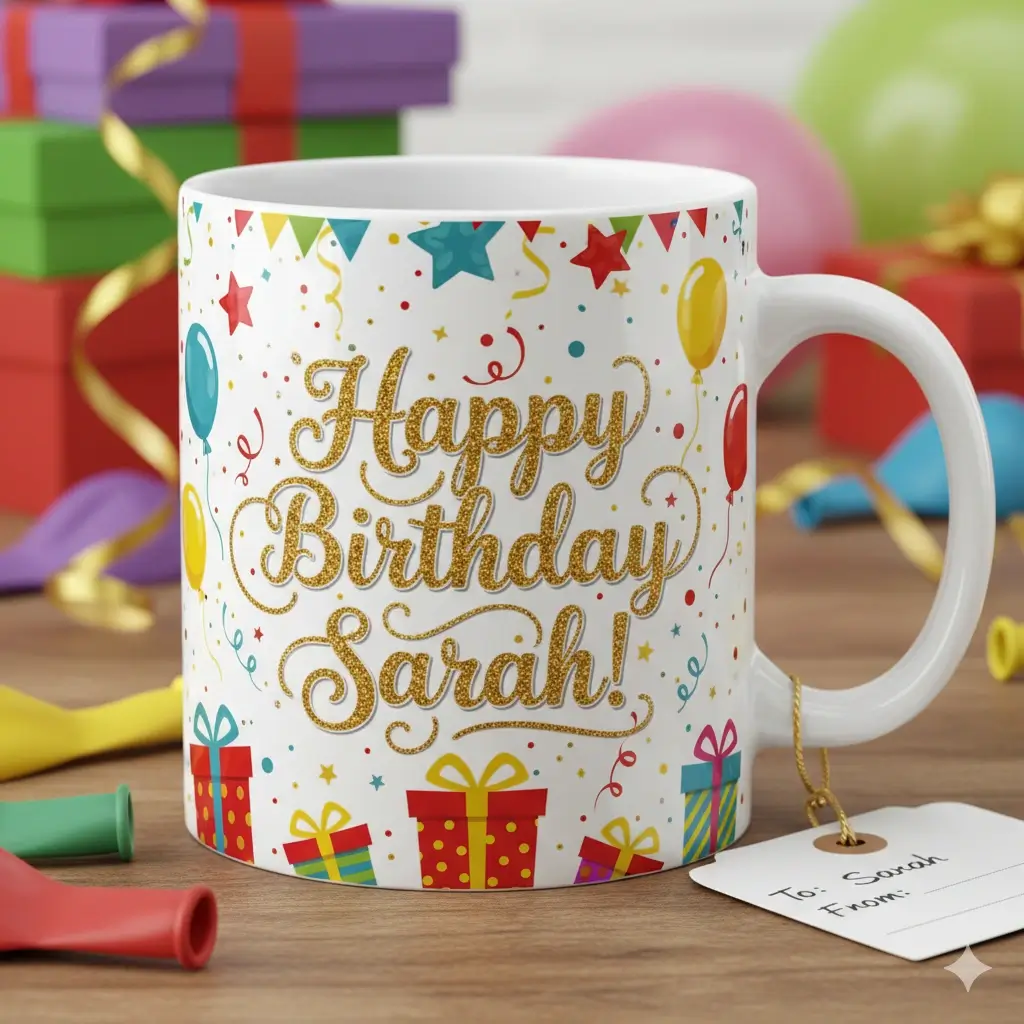
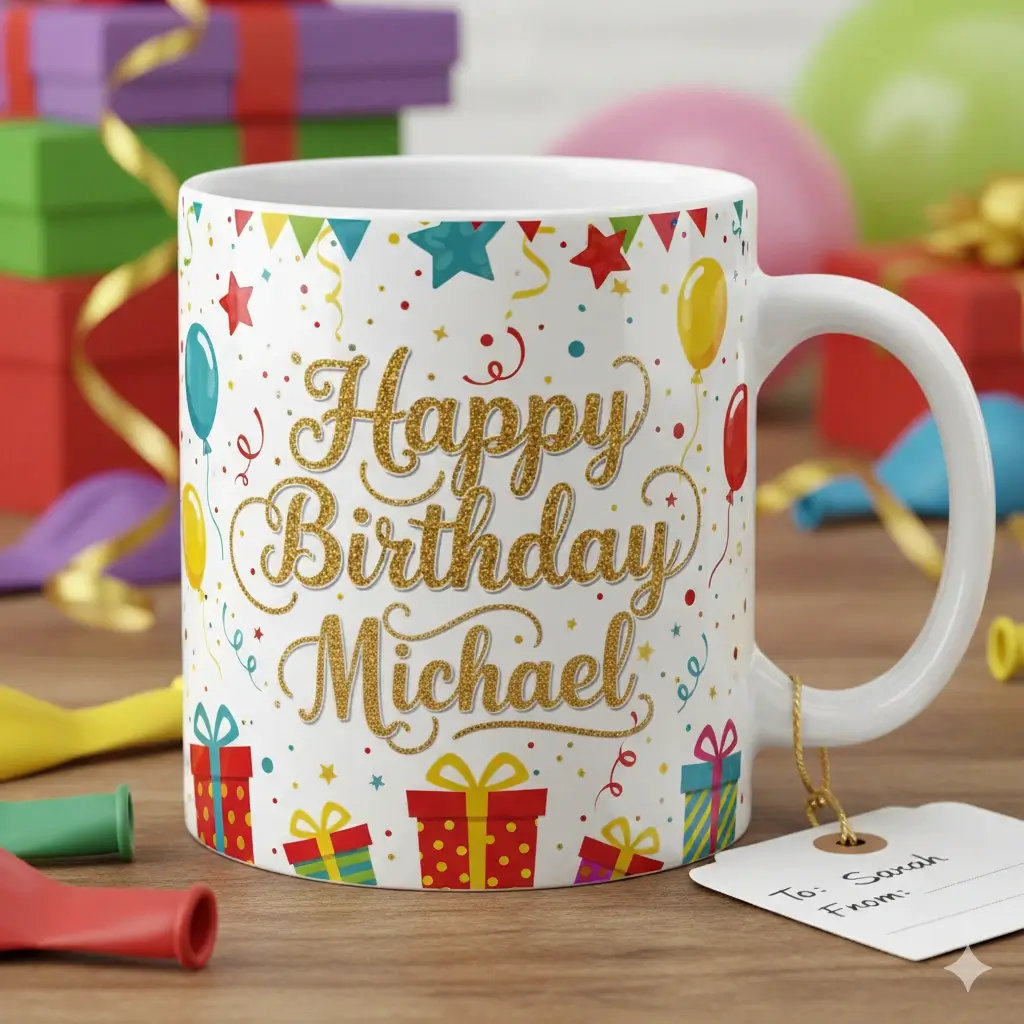
AI automatically matches font, color, and style
Upload your image to start editing
Drag to adjust the text selection area
Replacement text
Your Image Preview
Upload an image to start editing
Processing Your Image...
This usually takes 30-60 seconds
How to Use the Image Text Editor
Upload JPG, PNG, WebP, or Screenshot
Start with a clear image up to 20MB. The editor works best when the original text is readable and the background around it is not too busy.
Mark the Text and Type the Replacement
Drag over the exact words, numbers, label, date, or price you want to change, then enter replacement text with a similar length for the cleanest match.
Generate and Download the Edited Image
AI removes the old pixels, reconstructs the nearby background, blends in the new wording, and returns a downloadable image preview.
Real Business Text Editing Examples
See how businesses use our AI to update their visual content instantly. Perfect font matching for professional results.
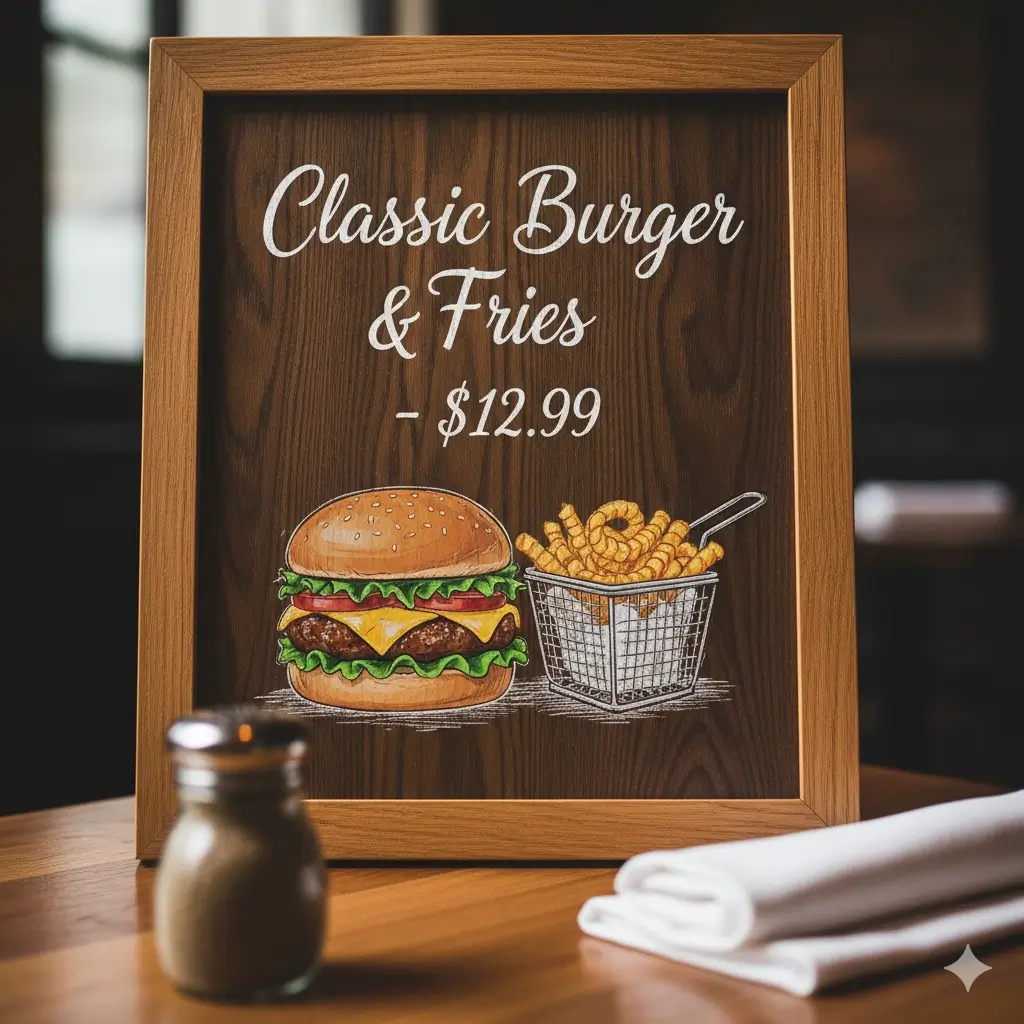
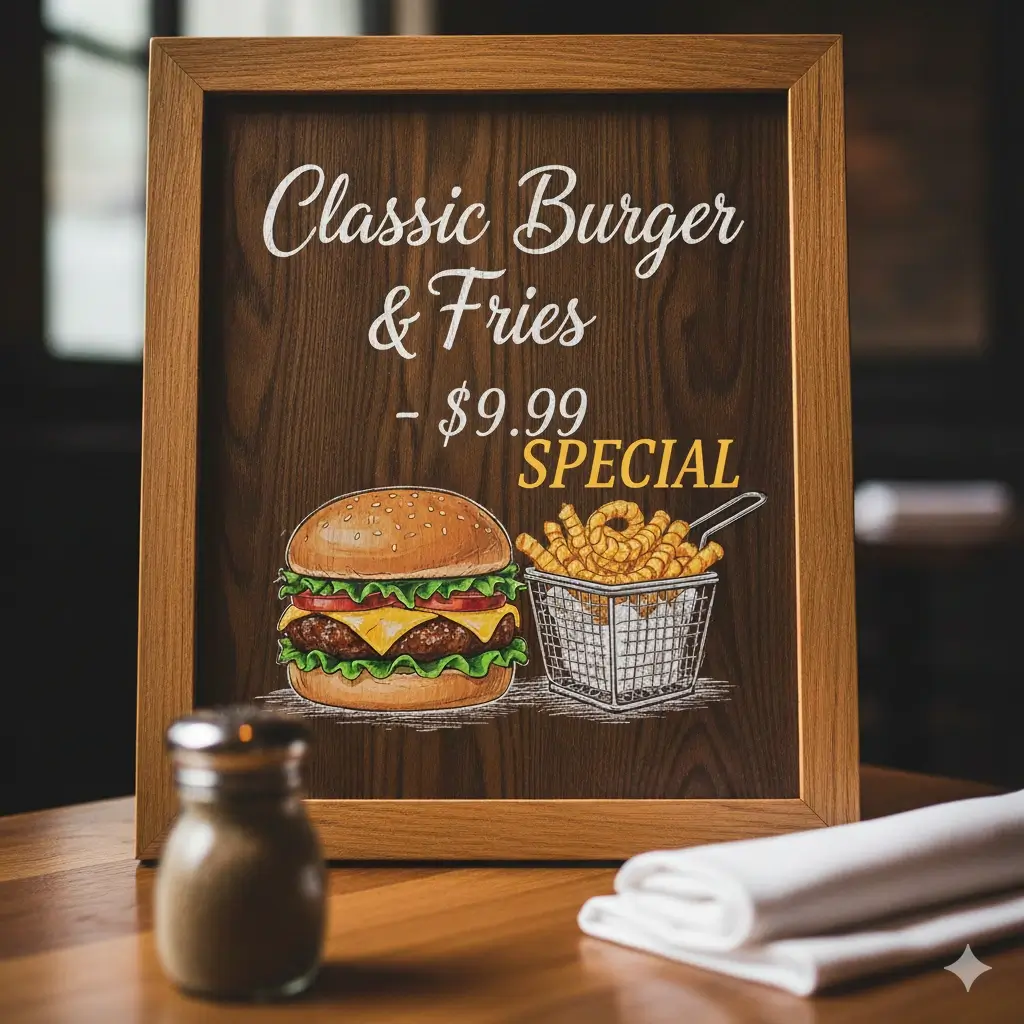
Restaurant Menu Update
Update prices and add special offers instantly


E-commerce Flash Sale
Change discount percentages for better conversions


Real Estate Status
Update property status and pricing quickly
Personalized Gifts
Customize names and messages for different recipients
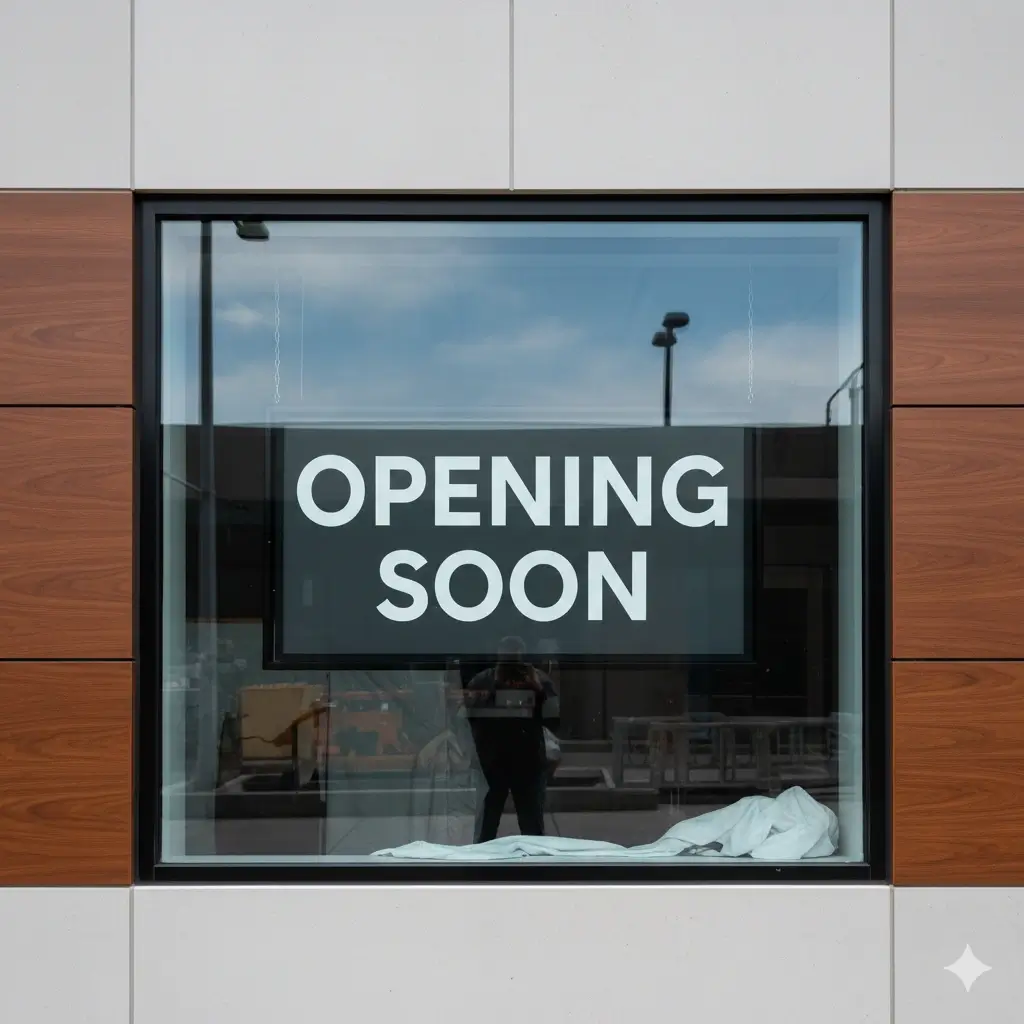
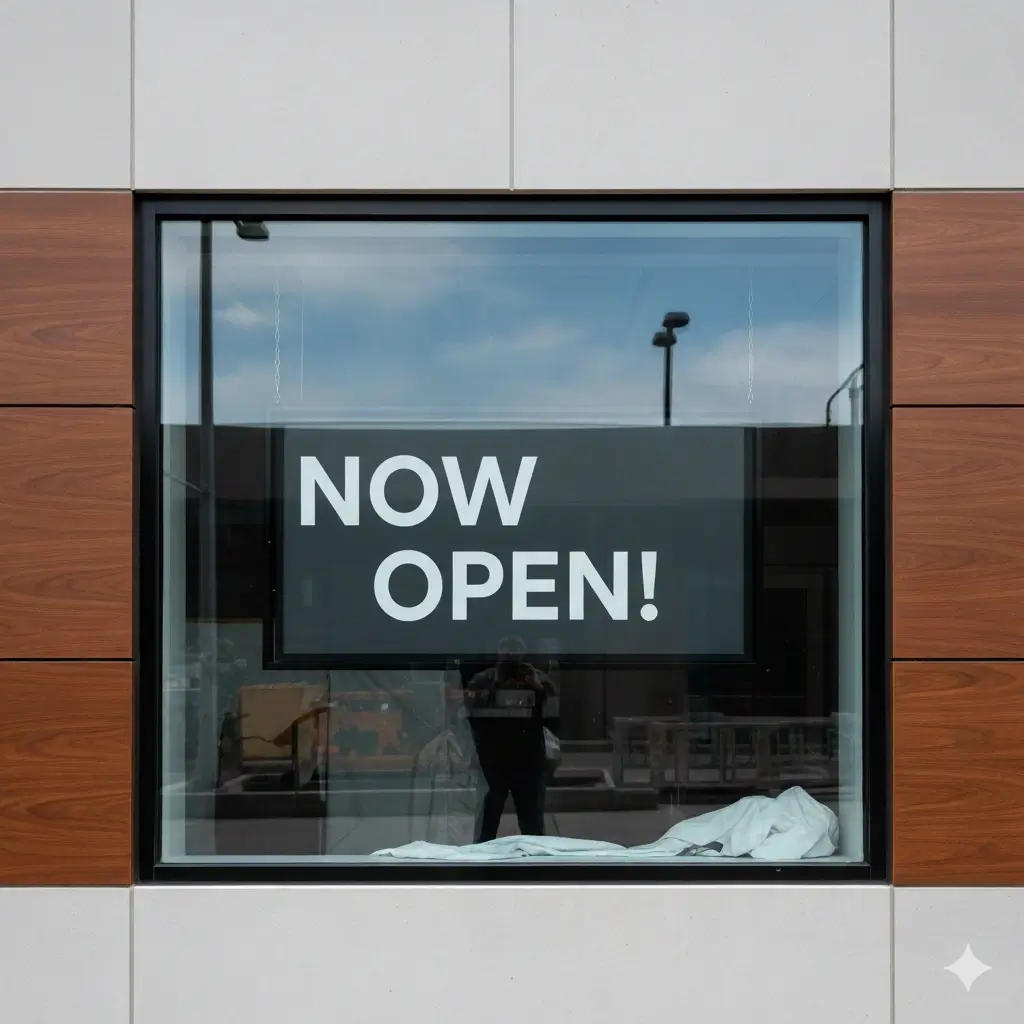
Business Signage
Update store status and announcements

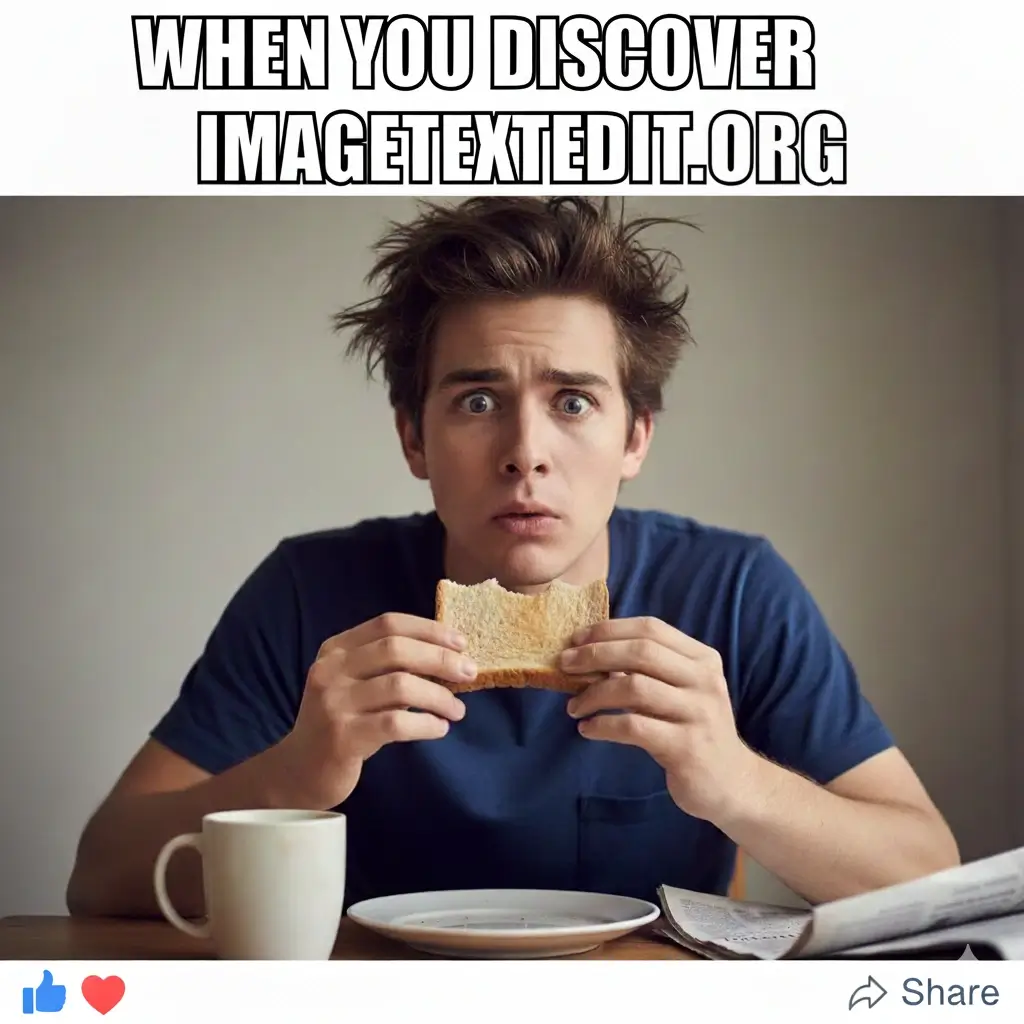
Social Media Content
Create viral content and branded memes
AI Photo Text Editor for Real Image Text Changes
Photo Text Editor for Finished Images
Replace baked-in text in photos, screenshots, menus, labels, and marketing graphics when the original editable file is missing.
Image Text Editor with Style Matching
The AI reads the selected text area and tries to keep font feel, color, spacing, shadows, and alignment close to the original image.
Background Repair Behind Old Text
A useful image text editor removes the old words, rebuilds the nearby background, and blends the replacement back into the picture.
Edit JPG, PNG, JPEG, and WebP
Use the same browser workflow for common image formats, including compressed photos, transparent PNG graphics, and saved screenshots.
Fast Text Swaps for Business Assets
Update prices, dates, labels, names, sale copy, product claims, and short captions without rebuilding the whole visual.
Tool-First Workflow in the Browser
Upload an image, mark the text, type the replacement, generate the result, and download the edited image without Photoshop.
What this AI image text editor is best at
Use the tool when text is already flattened into a photo, screenshot, menu, sign, label, or social graphic. It is designed for practical text swaps, not for rebuilding a full layered design file.
Good replacement examples
| Example | Best for | Tip |
|---|---|---|
| Restaurant menu price | Change $9.99 to $10.99 while keeping the same menu layout. | Select only the price, not the whole row. |
| Screenshot label or date | Fix a dashboard label, mockup name, order date, or demo value. | Use the screenshot editor page when the image is mostly UI. |
| Product or sale graphic | Update discount text, short promo copy, SKU labels, or variant names. | Keep replacement copy close to the original length. |
Quality limits to know before editing
- Tiny, blurry, curved, or heavily compressed text may not match exactly.
- Complex textures behind text can need more than one generation attempt.
- The tool replaces visible pixels; it does not recover the original font file or layered PSD.
- For legal, invoice, medical, or official documents, verify every edited detail before use.
Best Uses for an Online Image Text Editor
Photo Text Editor for Ads and Posts
Change text in photo creatives for campaigns, social posts, and quick message tests while keeping the original layout usable.
Menus, Signs, and Price Updates
Replace prices, opening hours, item names, or short notices in final menu and sign images when the source design is not available.
Product Photos and Labels
Edit image text in product shots, packaging labels, marketplace graphics, and variant previews without rebuilding every asset.
Screenshot Text Fixes
Correct labels, dates, names, UI copy, or numbers in screenshots for documentation, slides, product demos, and support articles.
JPG and PNG Text Replacement
Use format-specific pages when compression, transparency, or flattened text makes manual editing harder.
Personalized Names and Short Messages
Create quick variants for gifts, previews, invitations, and customer mockups by replacing small text areas in an existing image.
FAQ: Photo and Image Text Editor Online
Ready to Edit Text in Image Online?
Upload an image, replace the text, and get a polished result in minutes.
Safe & Secure Image Editing
Privacy Protected
Your images are automatically deleted after processing. We never store or share your photos.
Fast Processing
AI-powered editing in 30-60 seconds. Fast and reliable processing.
Quality Guaranteed
Professional results with seamless font matching and background preservation.
Works Everywhere
Browser-based tool works on Windows, Mac, iOS, and Android. No app download needed.