Edit Numbers in Image Online
Use an AI number text editor to replace prices, dates, amounts, phone numbers, scores, and short numeric labels inside a finished image. Upload a JPG, PNG, JPEG, or WebP file, mark the number you want to change, type the new value, and generate an edited image that keeps the surrounding background and font style consistent.
Upload Your Image
Drag & drop or click to upload
Supports: JPG, PNG, JPEG, WebP (Max 20MB)
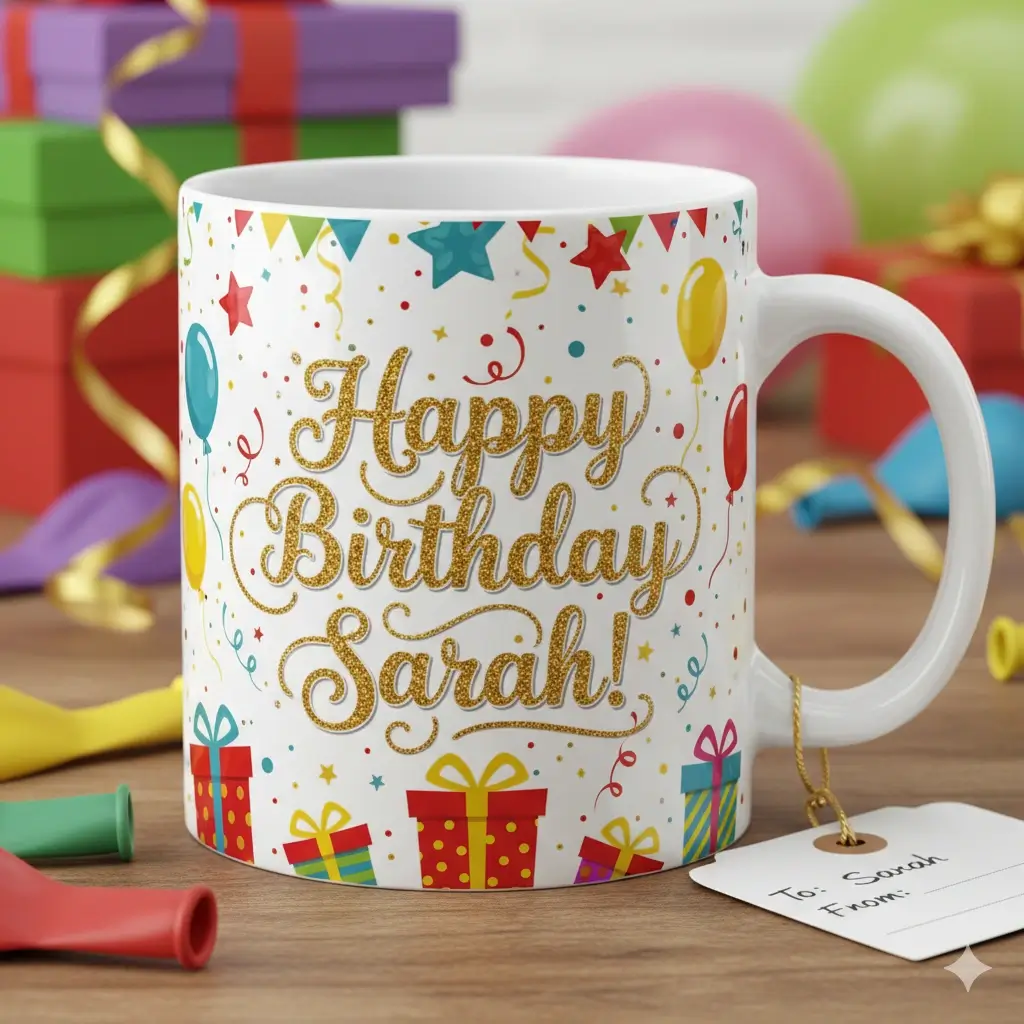
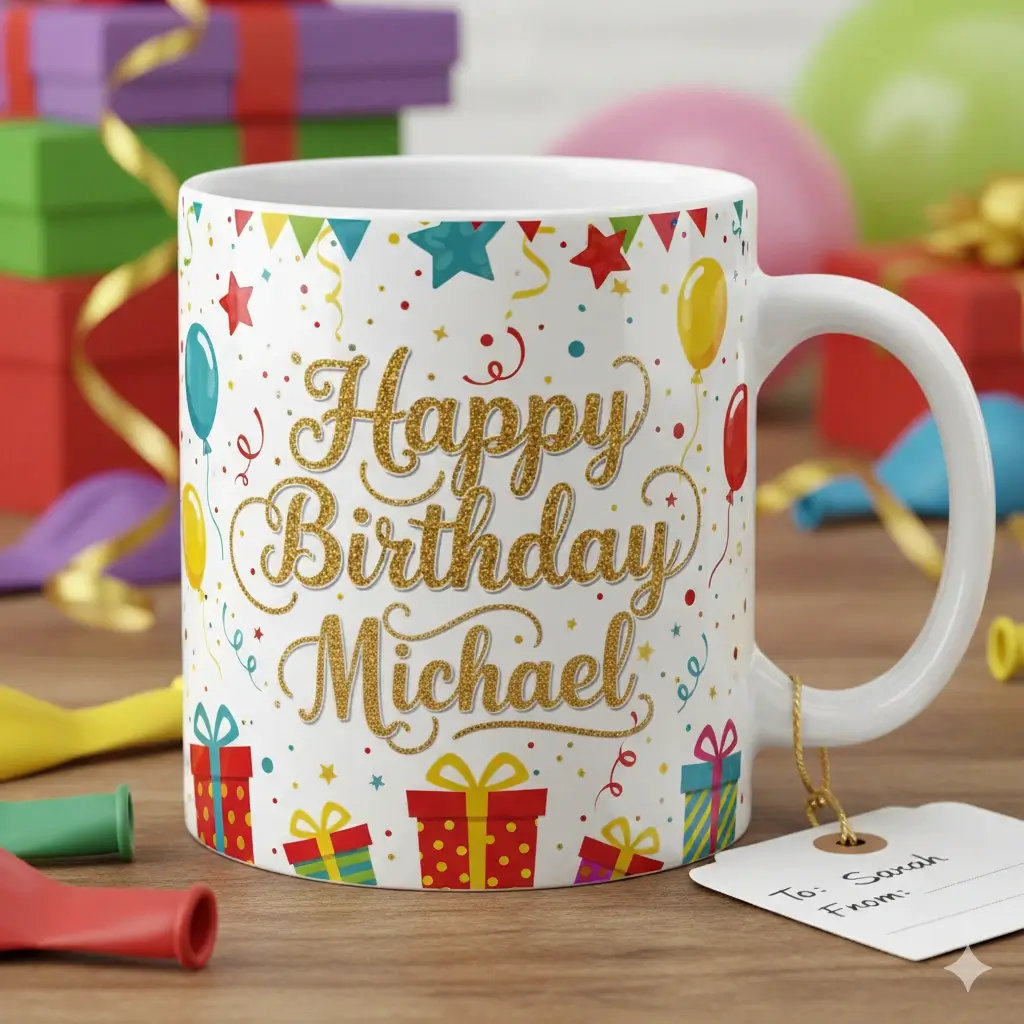
Replace a price, date, code, or score without covering the old number with a visible patch.
Upload the image, select the numeric area, enter the corrected value, and download the result.
Drag to adjust the text selection area
Enter the corrected number
Your Image Preview
Upload an image to start editing
Processing Your Image...
This usually takes 30-60 seconds
How to Edit Numbers in an Image
Upload the image with the old number
Start with the final image that contains the number you need to correct. This works for menu prices, sale graphics, screenshots, invoices, product labels, schedules, signs, and other images where the original design file is missing.
Select only the number area
Draw a tight box around the old digits, currency symbol, decimal point, date, code, or short numeric label. A focused selection helps the AI preserve nearby text, icons, tables, and background details.
Enter the new value and generate
Type the replacement number, such as a new price, date, percentage, score, room number, order ID, or phone number. The AI removes the old digits, repairs the background, and blends the new number back into the image.
Change the number without redesigning the whole image
Numbers inside images are often urgent: a price changed, a date moved, an amount was typed wrong, or a screenshot needs a cleaner demo value. General photo editors can add text on top, but numeric replacements need tighter spacing, decimal alignment, currency symbols, and believable background repair. This page is focused on that narrow job so users can update one important value quickly.
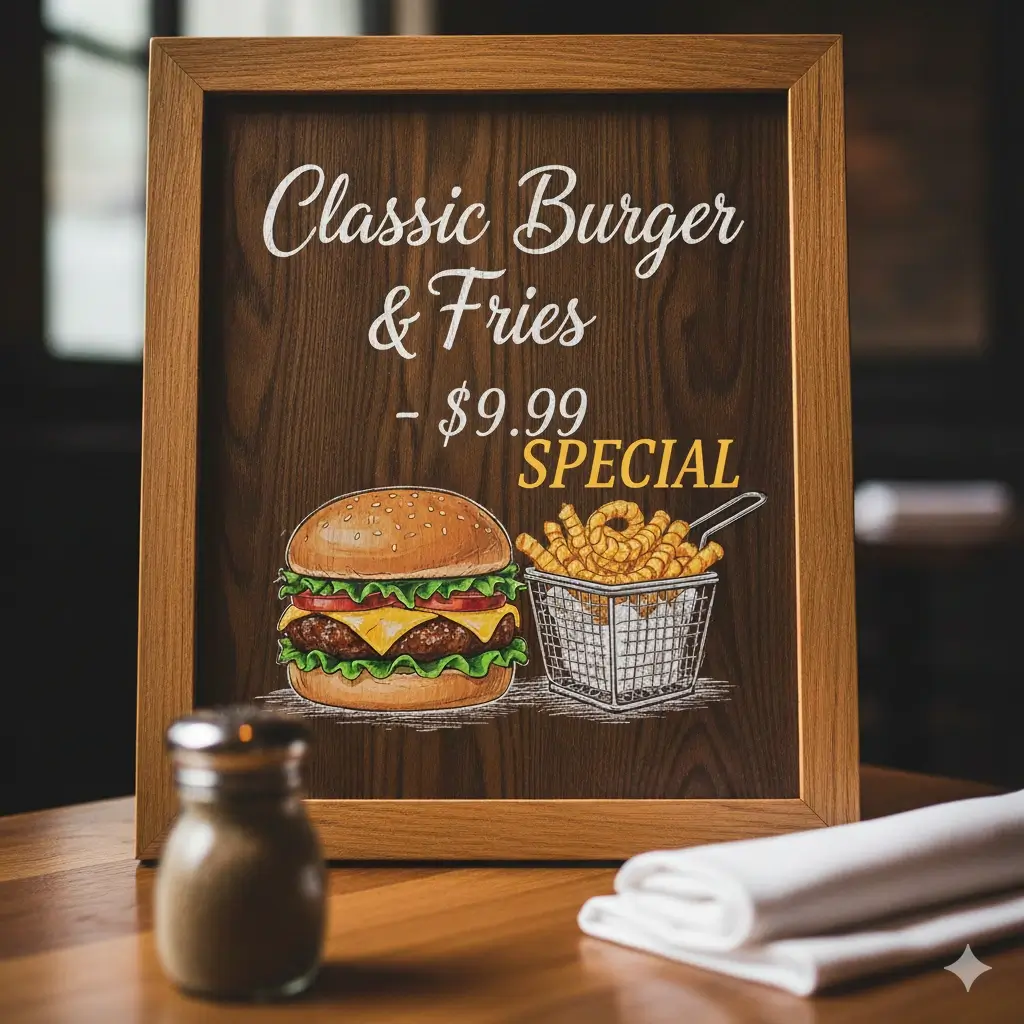
Common Number Editing Examples
These examples match the situations behind searches for edit numbers in image online: fast corrections to finished visuals, not a full redesign project.
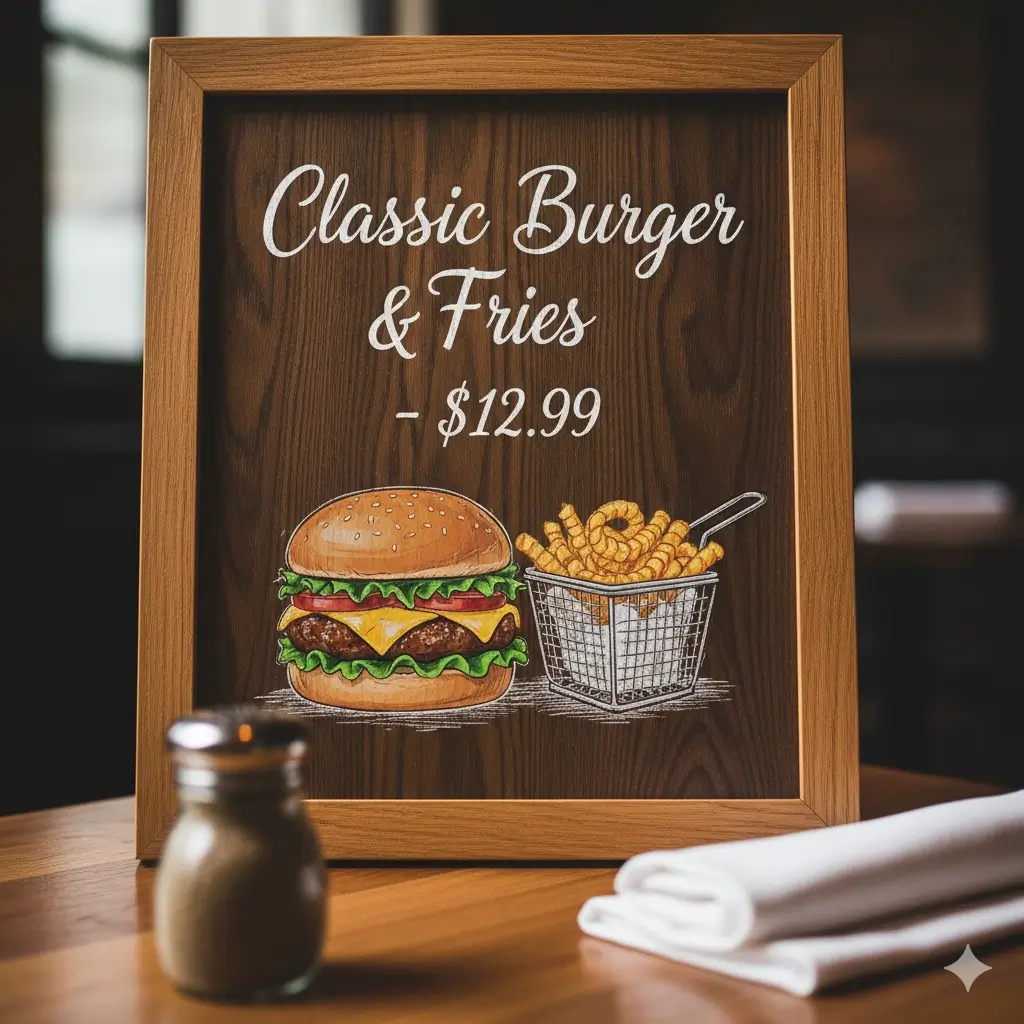
Menu Price Correction
Change one menu price or item amount while keeping the rest of the menu image intact.


Sale Percentage Update
Replace 20%, 30%, or a deadline value in a promotional banner after the graphic has already been exported.
Product Label Amount Fix
Correct weights, quantities, SKUs, batch numbers, or small label values in a product image.
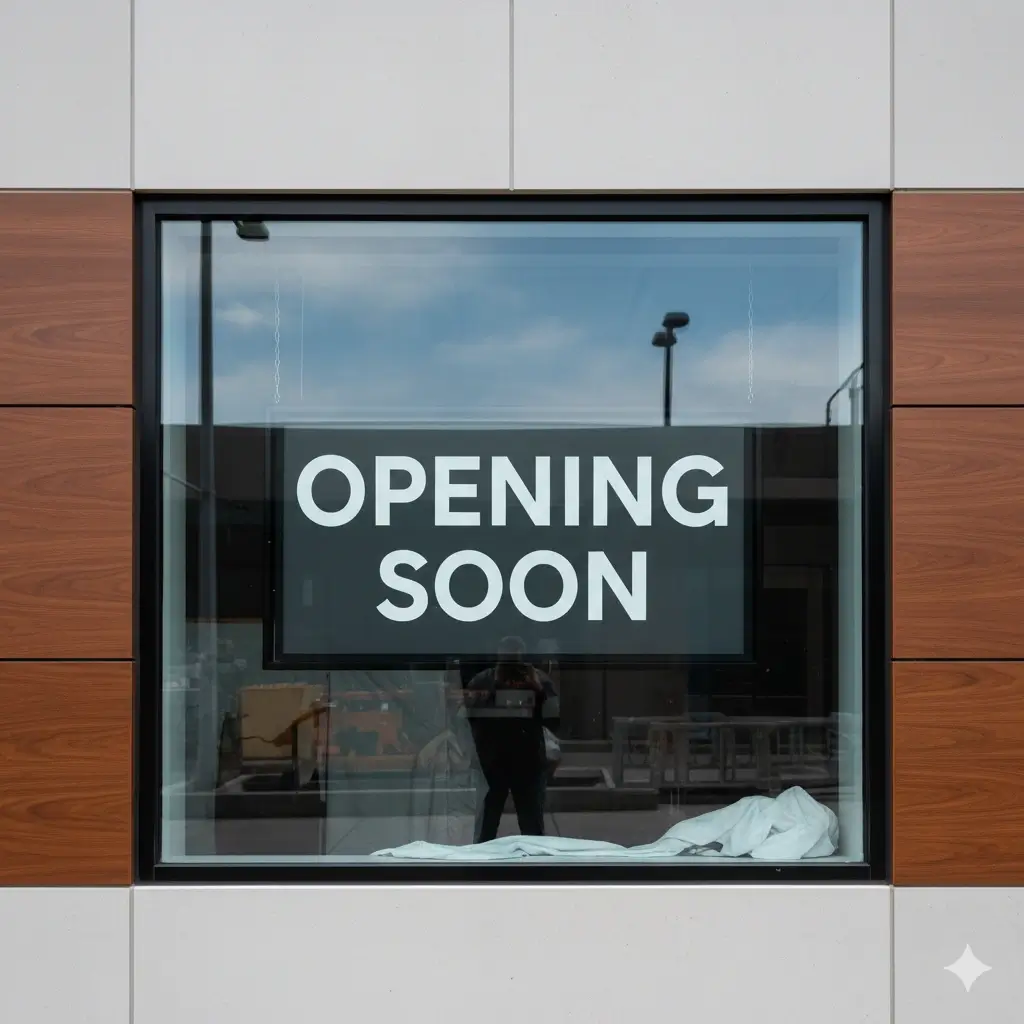
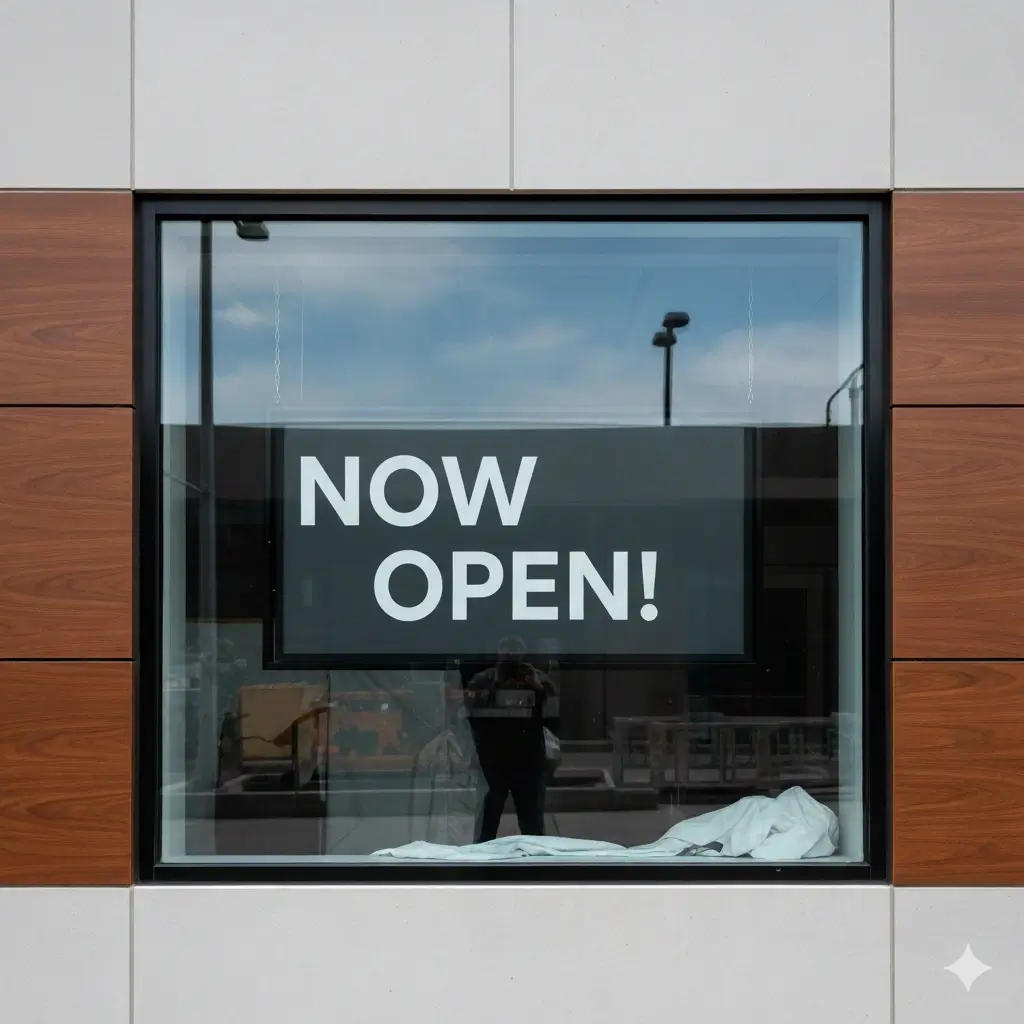
Business Hours or Date Change
Update a date, opening hour, appointment time, or notice number in a sign or poster.


Real Estate or Listing Price
Refresh a property price, room count, address number, or status value in a marketing graphic.


Screenshot Demo Values
Edit a score, dashboard number, order ID, or placeholder amount in a screenshot for documentation or support.
What the AI Number Text Editor Helps You Do
Replace Numbers in Images
Select old digits in an image and enter the corrected value. The page is optimized for short numeric edits such as prices, dates, amounts, scores, IDs, and phone numbers.
Edit Prices and Amounts
Update currency symbols, decimal values, discounts, fees, quantities, and menu prices while keeping the surrounding layout readable.
Change Dates and Times
Correct event dates, booking times, expiration dates, office hours, schedule entries, and countdown values inside screenshots or graphics.
Keep Font Style Close
The AI tries to match digit shape, size, color, weight, alignment, and nearby shadows so the new number does not look pasted onto the image.
Repair the Old Number Area
A believable edit removes the old digits first, rebuilds the background behind them, and then blends the replacement number into the repaired area.
Handle Common Image Formats
Upload JPG, PNG, JPEG, or WebP files for number edits in screenshots, product photos, menu graphics, labels, signs, and marketing assets.
What Works Best for Number Replacement
Number details the AI tries to preserve
- Digit size, weight, and overall font feel
- Currency symbols, decimal points, separators, and percent signs
- Alignment inside menus, tables, labels, and screenshots
- Text color, contrast, shadow, and edge sharpness
- Background continuity after the old number is removed
- Readable replacement values that fit the original space
Images and values that usually work best
- Clear numbers with enough resolution to read
- Short replacements close in length to the old value
- Menus, sale banners, labels, signs, screenshots, and listing images
- Simple or moderately detailed backgrounds behind the number
- Flat or lightly angled images rather than extreme perspective
- Selections that include only the number and nearby symbol when possible
Best Use Cases for Editing Numbers in Images
Menus and Price Lists
Change a price, fee, menu item amount, or discount value when the menu image has already been exported.
Product Labels and Packaging
Correct quantities, weights, batch numbers, SKUs, serving counts, or small numeric claims in product graphics.
Screenshots and Dashboards
Update demo values, scores, order IDs, dates, totals, and placeholder numbers in screenshots used for tutorials, support, or sales decks.
Sale Banners and Social Ads
Replace percentages, coupon values, launch dates, countdown numbers, or limited-time offer amounts in campaign images.
Signs, Posters, and Notices
Fix opening hours, event dates, room numbers, queue numbers, and short public notices without recreating the poster.
Real Estate and Local Listings
Refresh prices, property numbers, address details, room counts, and availability dates in finished listing graphics.
FAQ: Edit Numbers in Image Online
Edit a Number in Your Image Now
Upload a finished image, select the old digits, enter the corrected value, and generate a cleaner number replacement in minutes.
Why This Workflow Fits Number Changes
Focused on numeric accuracy
Prices, dates, IDs, and amounts need tighter spacing and alignment than ordinary text overlays.
Background repair matters
The editor removes old digits before placing the corrected value so the result avoids obvious patches.
Built for final image files
Use it when the spreadsheet, design file, or original screenshot source is not available.
Useful for business updates
Menus, labels, listings, sale graphics, dashboards, and notices often need one number changed fast.