Replace Text in Image Online
Upload a photo, screenshot, menu, label, or product graphic, select the old words, type the replacement text, and let AI rebuild the background so the new copy blends into the original image.
Upload Your Image
Drag & drop or click to upload
Supports: JPG, PNG, JPEG, WebP (Max 20MB)
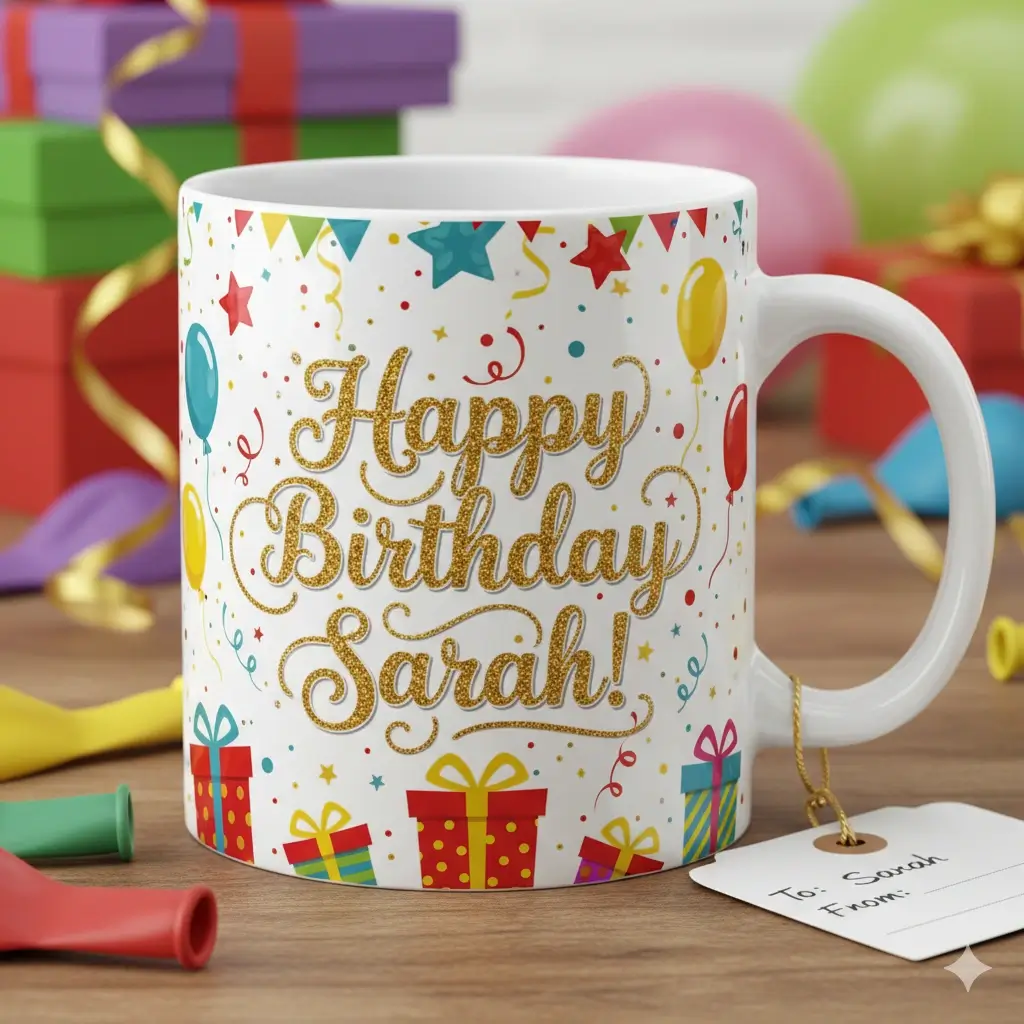
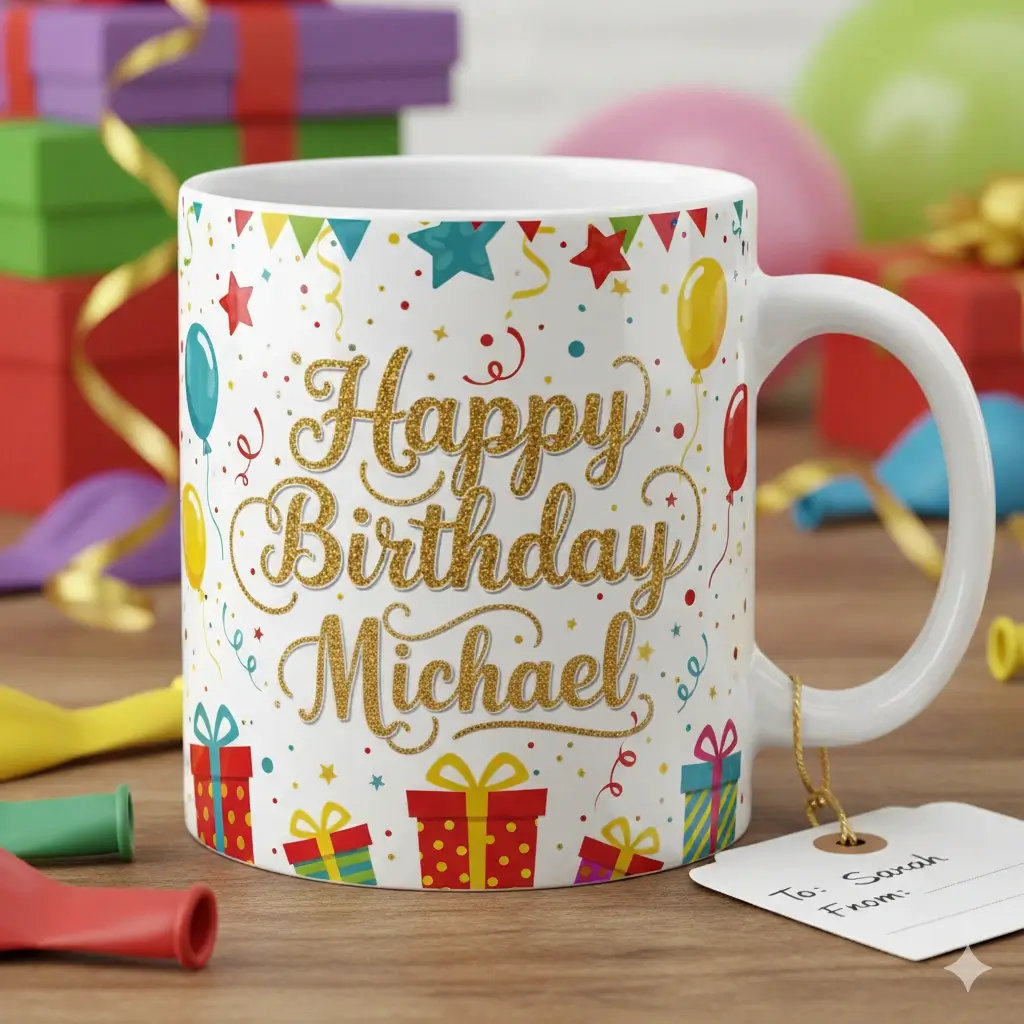
Old text is removed before the replacement is blended back in.
Upload an image and mark the exact text area you want to change.
Drag to adjust the text selection area
Replacement Text
Your Image Preview
Upload an image to start editing
Processing Your Image...
This usually takes 30-60 seconds
How to Replace Text in an Image
Upload the image with old text
Choose a JPG, PNG, JPEG, or WebP image where the text is already flattened into the pixels. Clear, readable text and a stable background give the best replacement result.
Select the words to replace
Draw around the exact old text area, then type the new wording. The tool uses that selection to remove the original words and understand the surrounding style.
Generate and download the new image
AI repairs the area behind the old text, adds the replacement copy, and returns an edited image you can download for menus, screenshots, ads, signs, and labels.
Replace words in finished images without rebuilding the design
This page is for people who have a final image but not the original editable file. Instead of covering the old words with a visible text box, the workflow focuses on removing existing text, rebuilding the background, and matching the new wording to the original style.
What the AI Text Replacement Tool Handles
Replace Text in Image Online
Upload an image, select baked-in text, enter replacement words, and generate a new version directly in your browser.
Image Replace Text with Background Cleanup
The workflow is designed for true replacement: old words are removed and the nearby background is rebuilt before new text is added.
AI Change Text on Picture
Use the page for pictures, screenshots, labels, menus, and marketing graphics where text is part of the final pixels.
Same-Style Text Matching
AI checks the selected area and tries to keep the replacement close to the original color, size, spacing, and font feel.
Supports Common Image Formats
Work with JPG, JPEG, PNG, and WebP files without installing desktop editing software.
Built for Short, Practical Edits
Best results usually come from replacing dates, prices, names, labels, numbers, promo copy, or short product text.
Best Inputs, Outputs, and Limits
Works best when
- The old text is readable and not extremely small
- The replacement wording is similar in length to the original
- The background is not heavily patterned behind every letter
- The selected area includes the full old text plus a small margin
- You need a final image output, not editable text layers
- You check the result before using it in customer-facing materials
Common replacement jobs
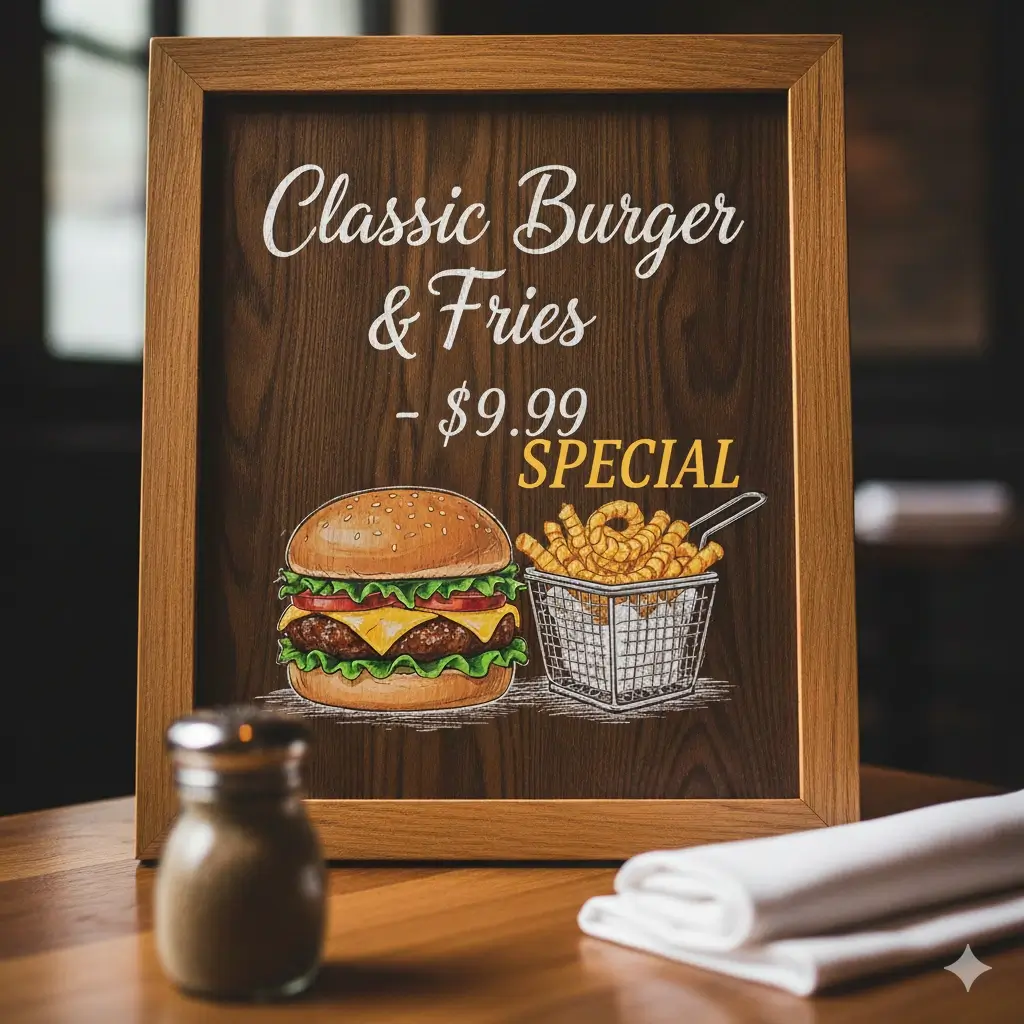
- Change prices or item names in restaurant menu images
- Replace names, dates, or status labels in screenshots
- Update sale percentages and short ad copy in banners
- Change product label text in marketplace images
- Fix typos in posters, signs, and social graphics
- Create personalized versions of gift and invitation mockups
When to Use Image Text Replacement
Menus and Price Boards
Update prices, dishes, opening hours, or short notices when the menu image is final and the design file is missing.
Screenshots and UI Images
Replace a date, label, number, or short UI phrase in a captured screen for documentation, demos, or support articles.
Product Labels and Packaging
Test label wording, variant names, flavor text, or small marketplace copy without rebuilding a full product mockup.
Ads and Social Graphics
Swap sale text, promo dates, CTA words, or short headline variants in finished campaign images.
Signs, Posters, and Notices
Change event details, store status, hours, or location text while keeping the original visual layout.
Personalized Names and Messages
Create name or message variants for gift previews, invitations, mockups, and customer proofs.
FAQ: Replace Text in Image Online
Replace Text in Your Image Now
Upload a finished image, mark the old words, enter the replacement copy, and generate a cleaner edited version online.
Why Use This Text Replacement Workflow
Privacy-Conscious Editing
Uploads are processed for image editing and are not turned into a manual design project.
Background-Aware Replacement
The workflow focuses on removing old text and repairing the selected area before adding new words.
Built for Finished Images
Use it on screenshots, menus, labels, signs, product photos, and social graphics.
Works in the Browser
Replace short image text without installing Photoshop or rebuilding the source design.