
Edit Text in JPG Online
Use our AI JPG text editor to edit text in JPG files without rebuilding the design. Replace prices, labels, dates, names, and short promo copy in flattened JPG images while keeping the original style and background more natural.
Upload Your Image
Drag & drop or click to upload
Supports: JPG, PNG, JPEG, WebP (Max 20MB)
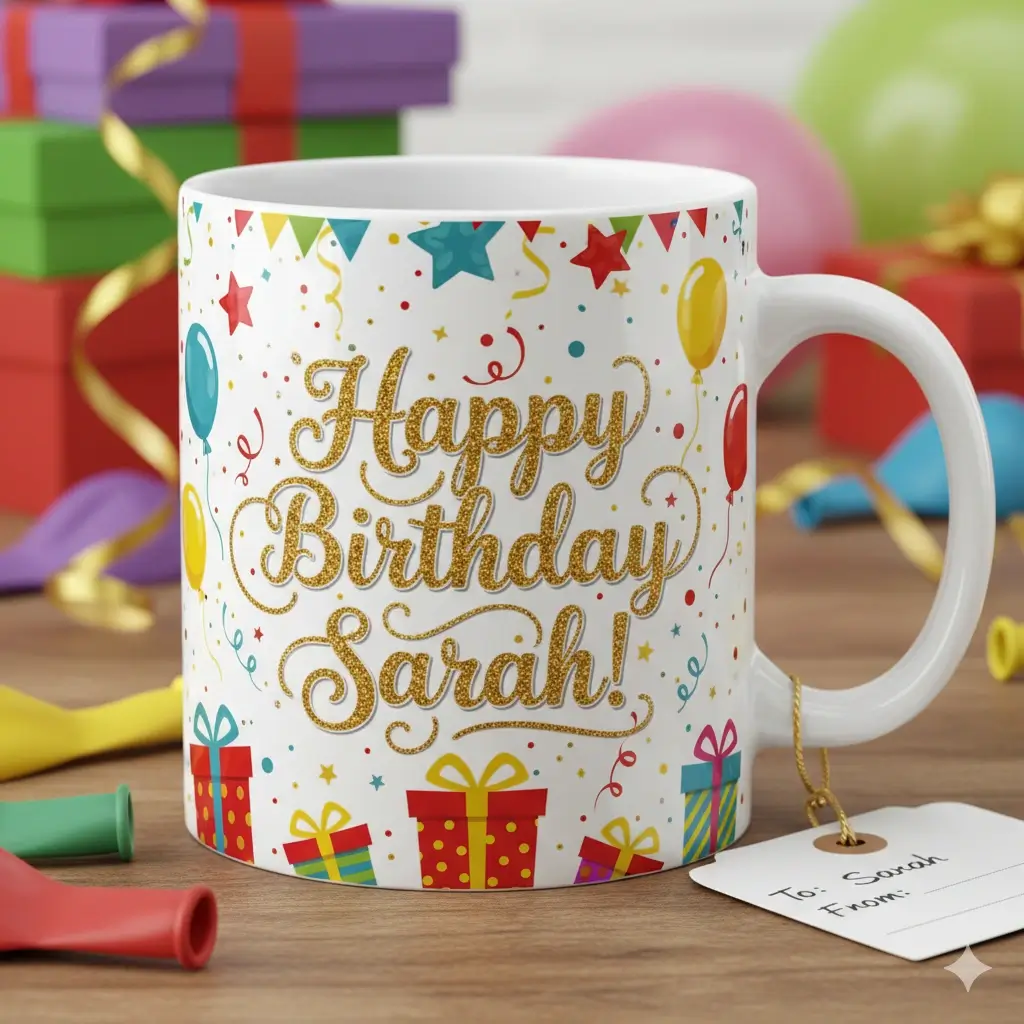
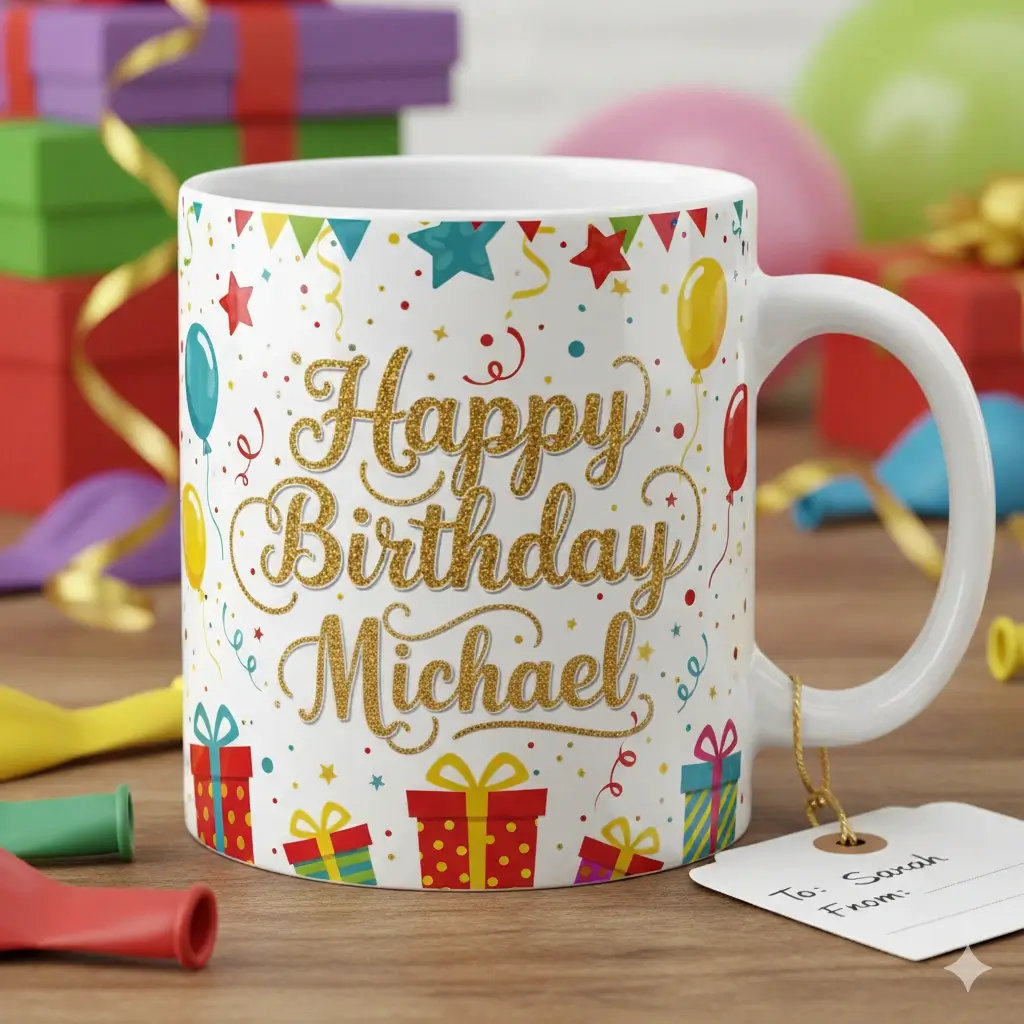
See how the new text blends back into the JPG instead of looking like an obvious overlay.
Upload a JPG, select the old text, enter the replacement, and generate the updated image online.
Drag to adjust the text selection area
Edit Text
Your Image Preview
Upload an image to start editing
Processing Your Image...
This usually takes 30-60 seconds
How to Edit Text in JPG Images Online
Upload the JPG or JPEG Image
Upload the final JPG image that already contains the text you want to replace. This workflow is made for flattened exports, so it works well when all you have left is the finished image.
Select the Text Area and Enter the New Copy
Draw a box around the old words, then type the replacement text. The JPG text editor uses that region to understand the original lettering, size, alignment, and nearby background.
Generate a Cleaner Updated JPG
The AI removes the old text, repairs the background, and places the new words back into the image. The goal is a result that looks closer to the original JPG than a simple text overlay.
Edit the JPG you already have, not the source file you lost
People search for a way to edit text in JPG files because the original design file is often gone. They have an exported banner, menu, label, screenshot, or poster and only need one small change. A real JPG text editor is not just about typing new words. It also needs to remove the old text, repair the pixels underneath, and keep the new text believable inside a compressed raster image.
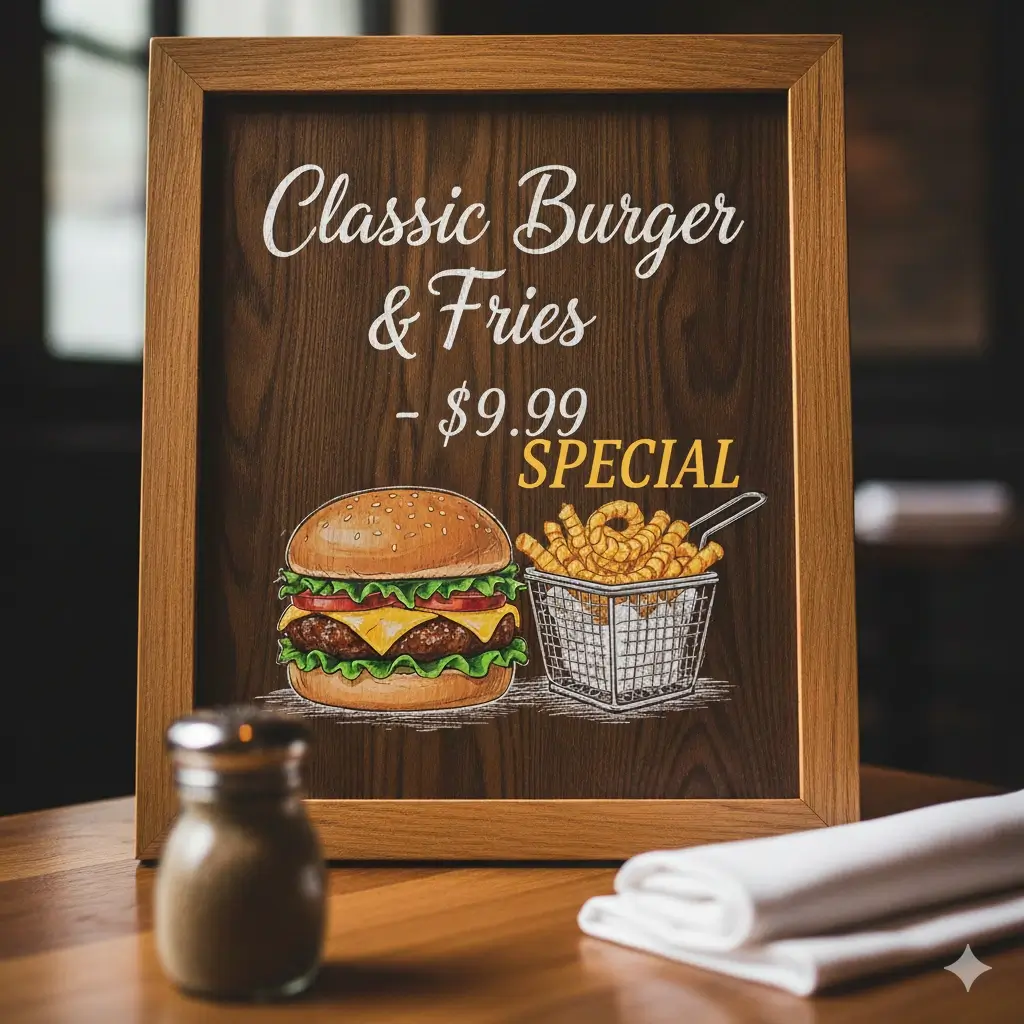
Before and After JPG Text Editing Examples
These examples reflect the most common reasons people look for an AI JPG text editor online: quick text replacement in final exported graphics, menus, labels, and promotional visuals.
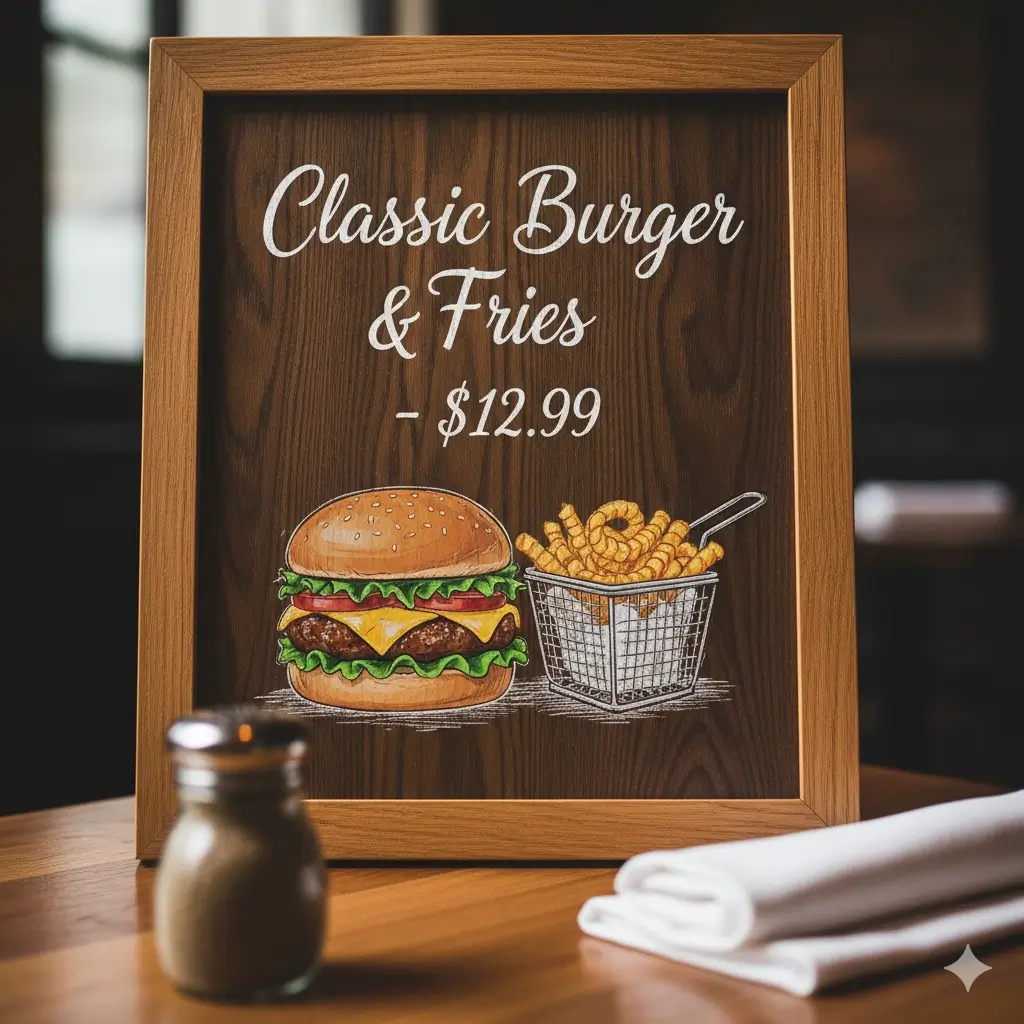
Restaurant Menu Price Change
Update a single price in a JPG menu image without redesigning the full layout.


Flash Sale Banner Refresh
Replace short promo copy in a JPG sale banner and keep the design consistent.
Product Label Text Update
Change names or wording in a JPG product image when the source mockup is no longer available.
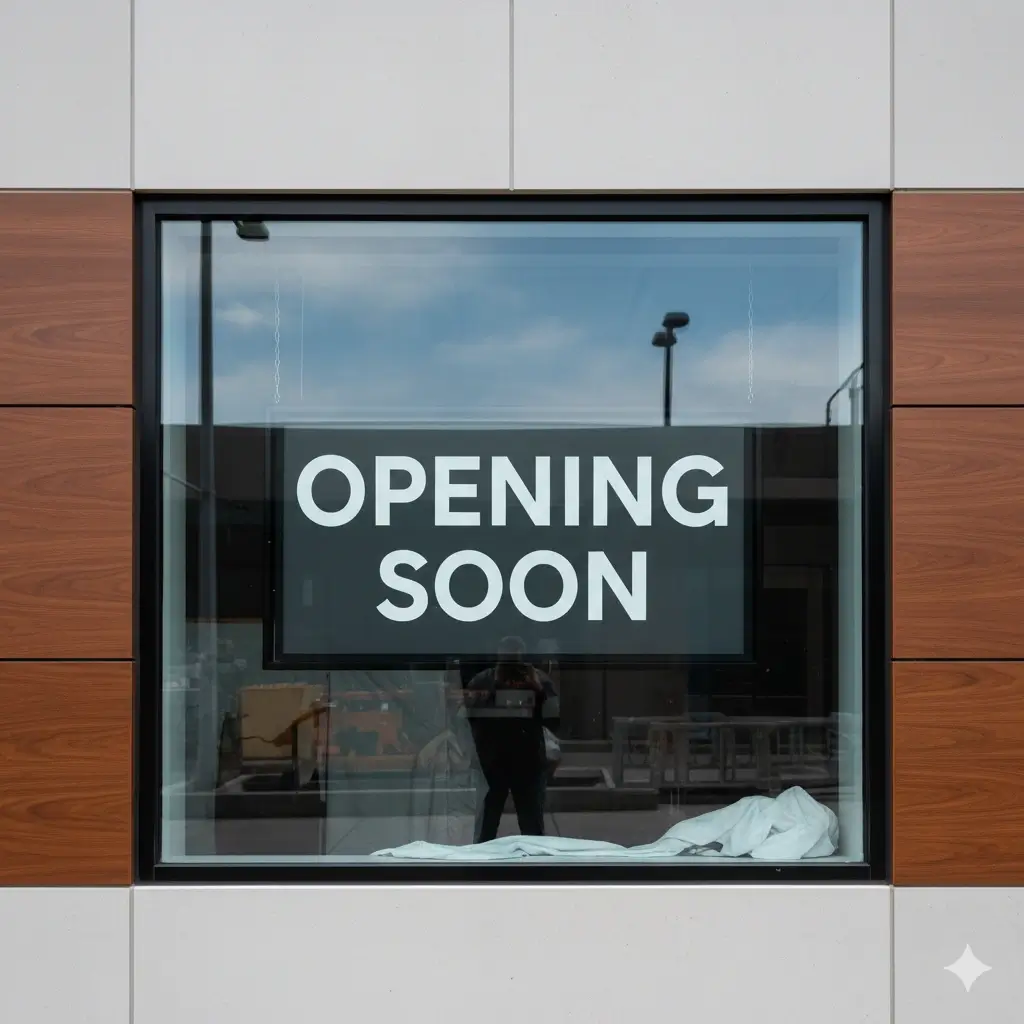
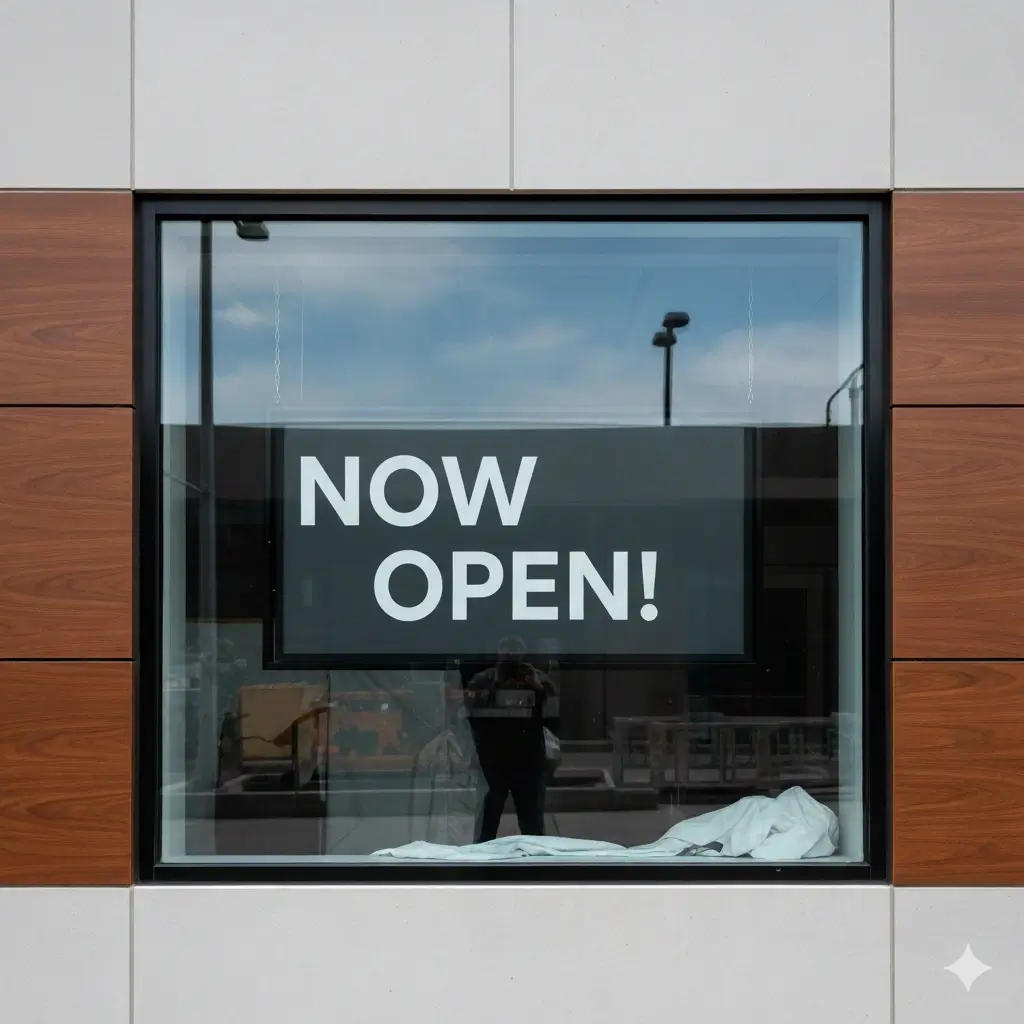
Store Sign Message Swap
Update a short sign message in a flattened JPG while preserving the existing look.
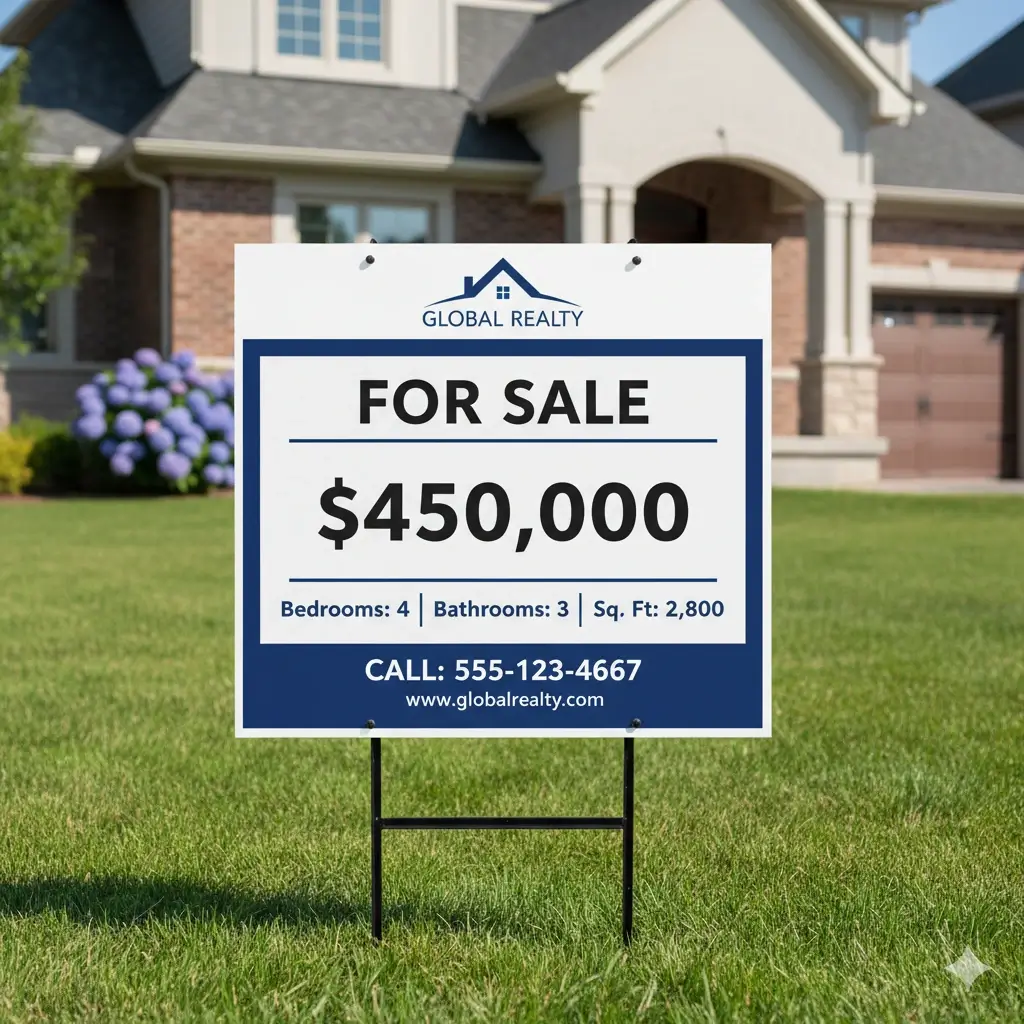
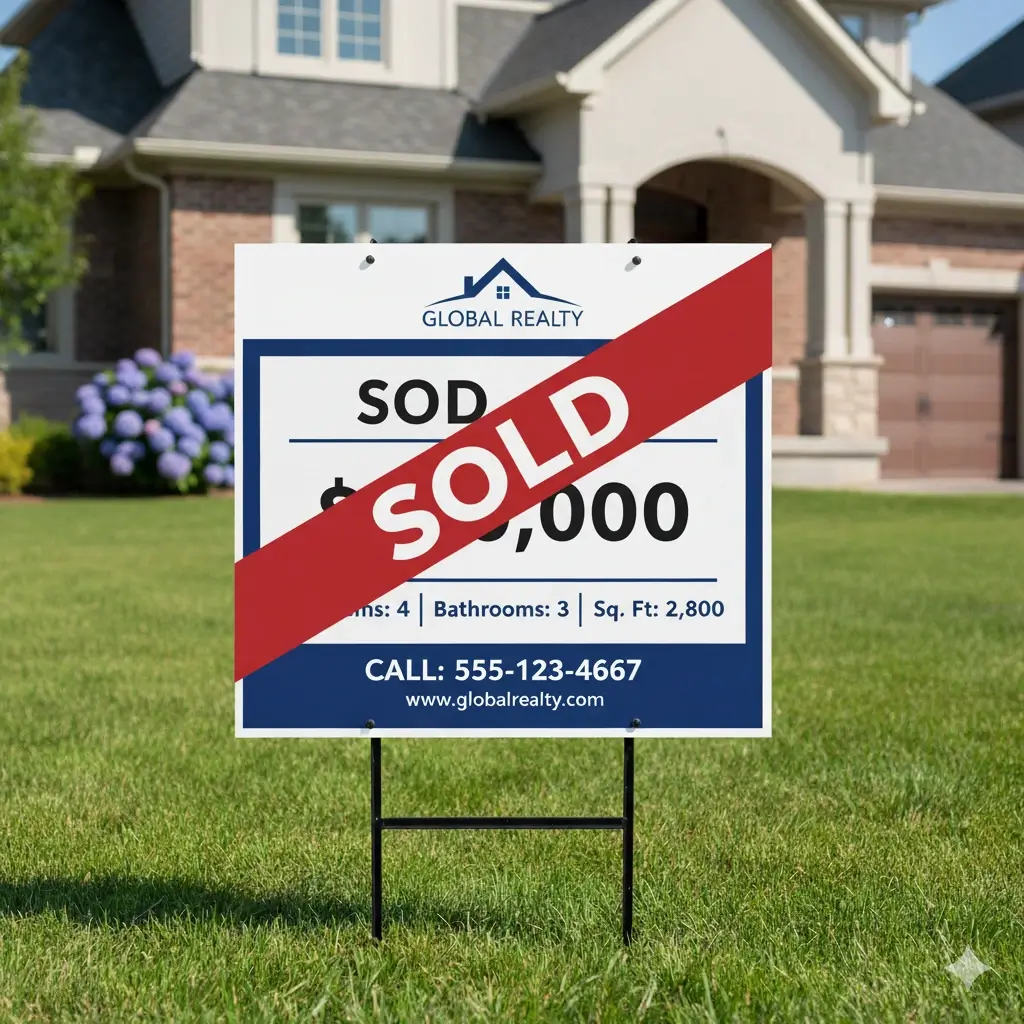
Property Graphic Price Edit
Refresh a number, price, or status line in a JPG marketing graphic before publishing.
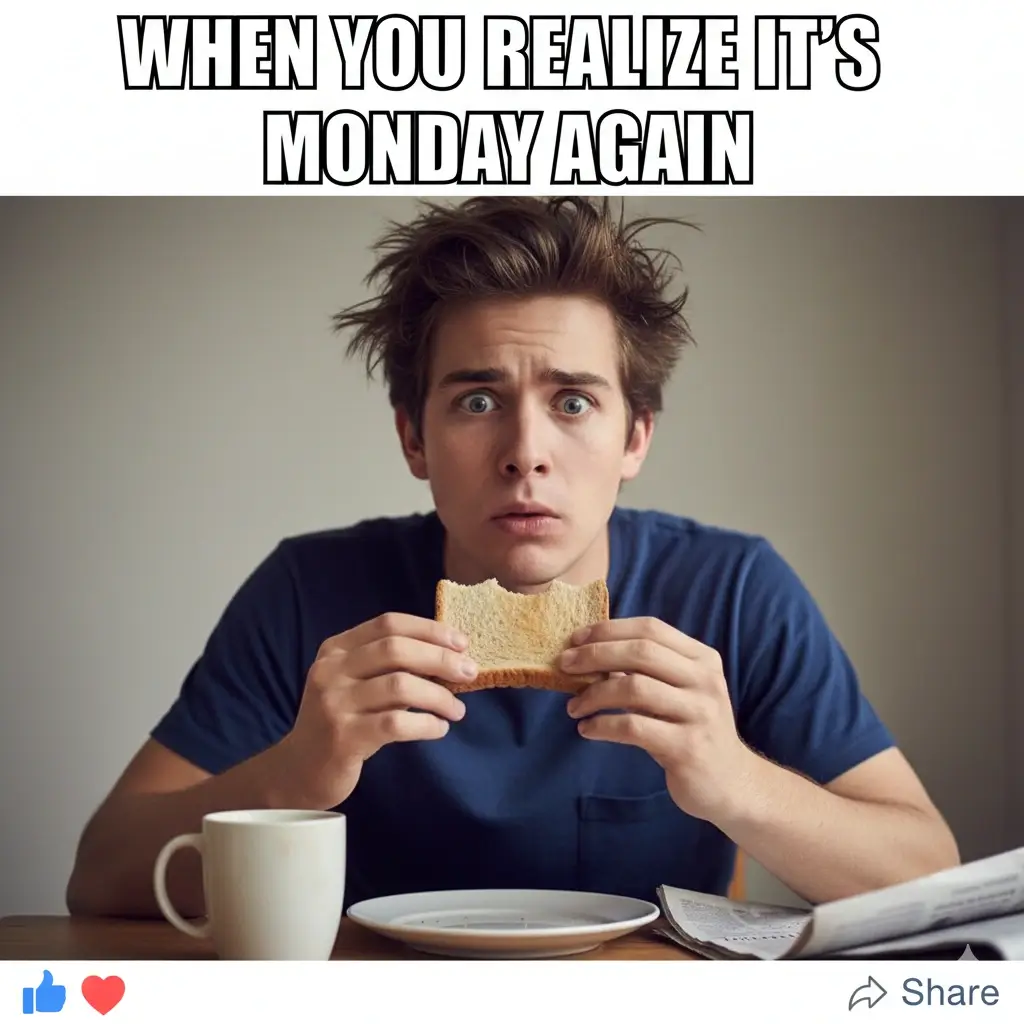
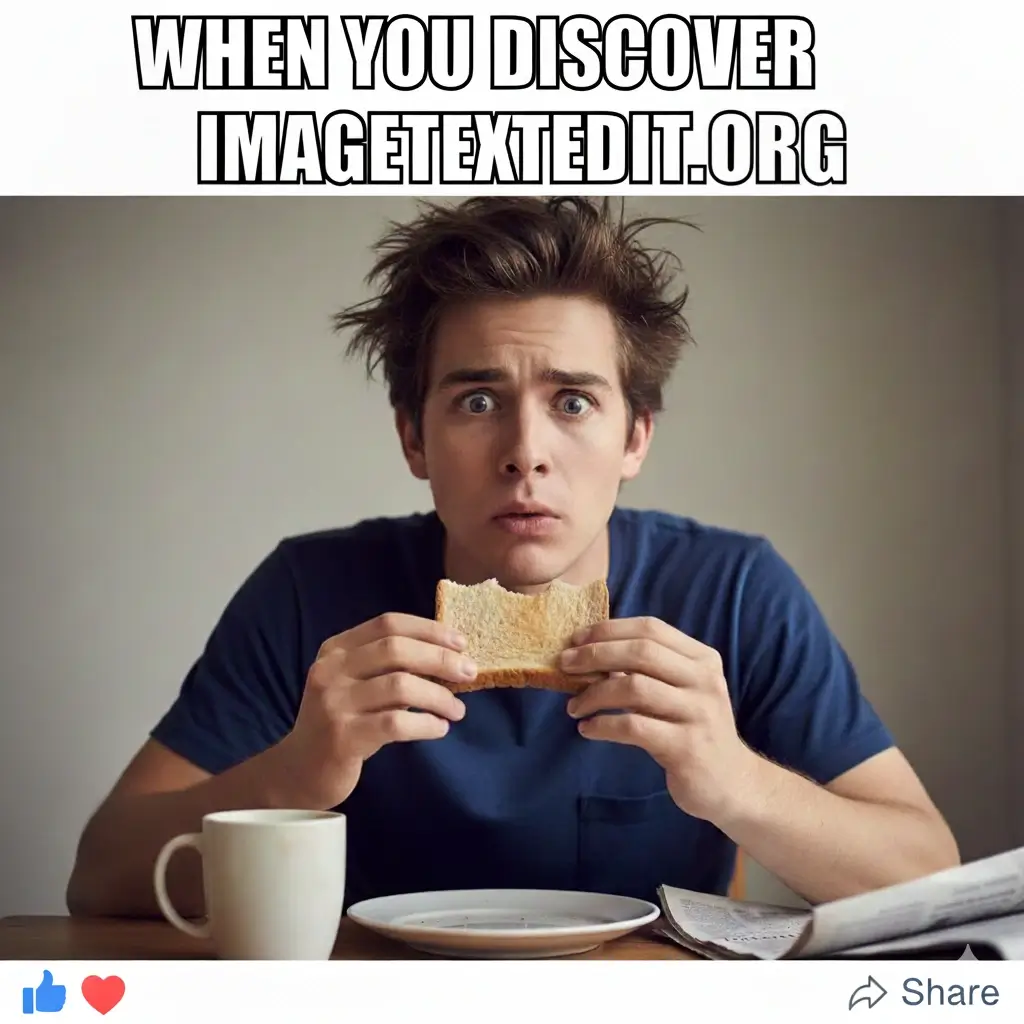
Short Caption Rewrite
Replace text in a JPG social image when you want a cleaner result than a manual overlay.
What a Good JPG Text Editor Should Help You Do
Edit Text in JPG Without Rebuilding the Asset
This page is designed for final JPG files that already contain baked-in text. You can change the specific words you need without reopening a full design workflow.
Replace Old Words Instead of Overlaying New Ones
A real JPG text editor should remove the original text and regenerate the area, not simply place fresh copy above it.
Match Font Feel, Size, and Spacing More Closely
Exact font recovery is not always possible in compressed JPG files, but the AI aims to preserve the visual style, text size, alignment, and spacing.
Support Common Exported Image Formats
You can use the same workflow for JPG, JPEG, PNG, and WebP files. That matters when your image has already been exported and flattened into a common web format.
Work Well for Prices, Dates, Labels, and Short Copy
Many users search edit text in JPG online because they need to change a small but important detail fast. This page is optimized around those high-intent edits.
Keep Background Continuity in View
A JPG edit is only convincing if the background behind the removed text stays coherent. The workflow tries to preserve nearby colors, texture, and edges.
What Usually Works Best When You Edit Text in JPG
What the AI tries to preserve
- The original font feel, weight, and text size
- Color, contrast, and simple text effects
- Line placement, alignment, and spacing
- Background continuity behind removed text
- Natural-looking edges in compressed JPG regions
- Overall readability of the final exported image
JPG images that usually perform best
- Clear JPG or JPEG files with readable text
- Menus, labels, posters, and banner graphics
- Product photos or packaging visuals with short wording swaps
- Screenshots that were exported or saved as JPG
- Edits where the replacement text is similar in length to the original
- Images with moderate perspective and limited blur
Best Use Cases for Editing Text in JPG Images
Menus and Price Boards
Restaurants, cafes, and local businesses often need to update a single price, dish name, or offer in a JPG menu image.
Product Images and Labels
Use the JPG text editor when you want to replace text in product photos, packaging visuals, flavor labels, or quick marketplace graphics.
Sale Banners and Promo Graphics
Marketing teams often need to update a discount, deadline, or short headline inside a JPG image. Editing the final asset directly is much faster than a full redesign cycle.
Posters, Signs, and Notices
Edit text in JPG posters to change dates, hours, event details, or calls to action while keeping the overall design recognizable.
Exported Screenshot Graphics
Sometimes a screenshot gets saved as JPG before anyone notices a typo or outdated number. This page helps replace that baked-in text without retaking the screenshot.
Social and E-commerce Variants
If you need fast alternate versions of a JPG for different products, names, offers, or markets, this workflow can help you update short text elements quickly.
FAQ: Edit Text in JPG Online
Try the AI JPG Text Editor
Upload your JPG, replace the old text, and generate a cleaner updated image online.
Why This Workflow Fits JPG Text Changes
Built for final exported images
Use it when you only have the finished JPG and need to update a small piece of text fast.
Style matching stays central
The workflow focuses on preserving the original look, not just placing a visible replacement layer on top.
Works for common business assets
Menus, labels, ads, screenshots, signs, and product graphics are all practical JPG editing scenarios.
Fast browser-based process
Upload, select, replace, and download without reopening a full desktop design workflow.